Examples
Start from a page that’s close to what you do.
These are all working pages, so open one and try the buttons. It’s free to start your page from any of them.
Already have a link in bio? Bring your page over
Every example
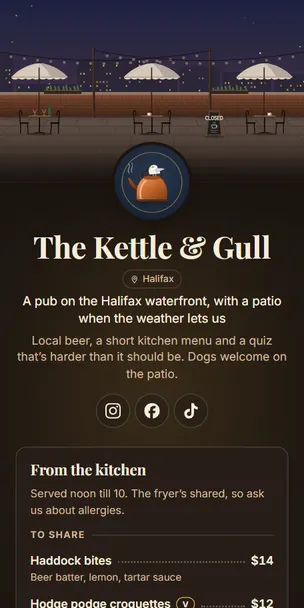
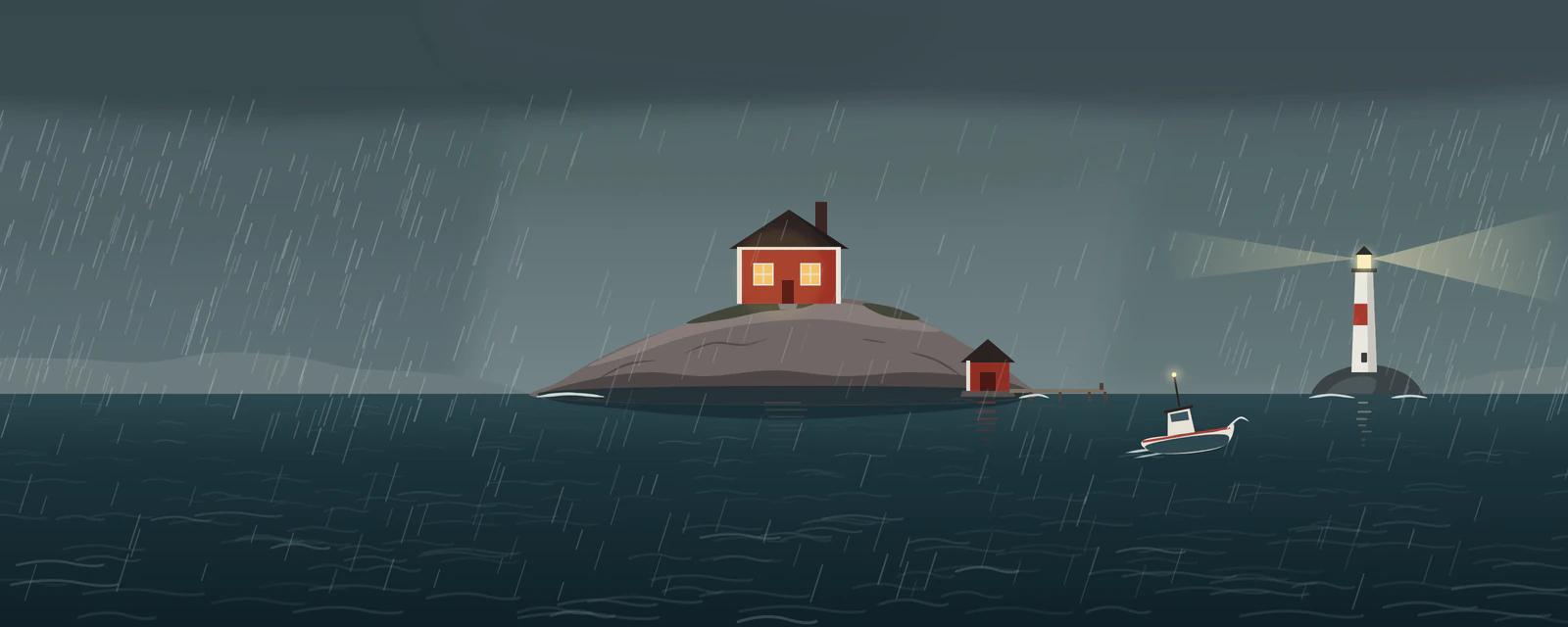
The Kettle & Gull
Restaurant · Halifax
A pub on the Halifax waterfront, with a patio when the weather lets us
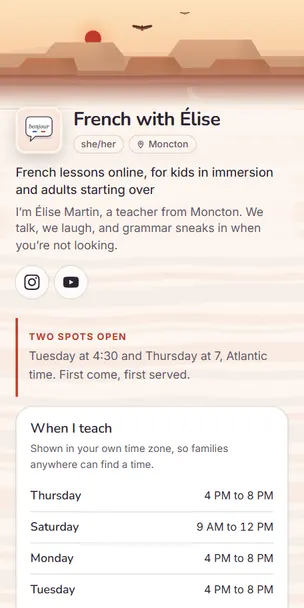
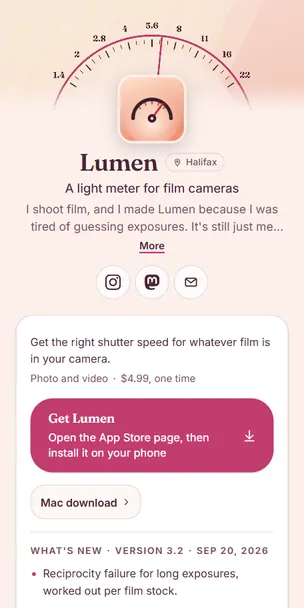
French with Élise
Teacher · Moncton
French lessons online, for kids in immersion and adults starting over
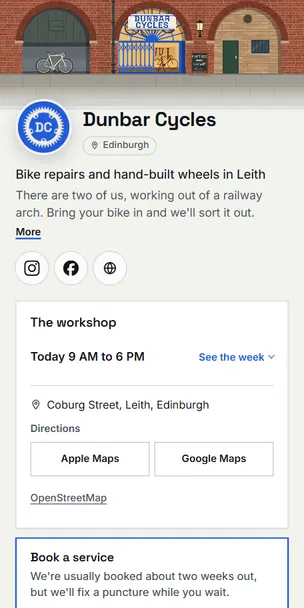
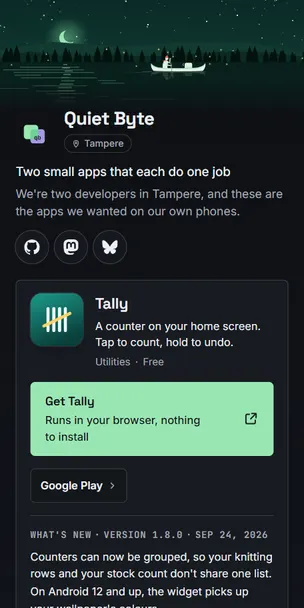
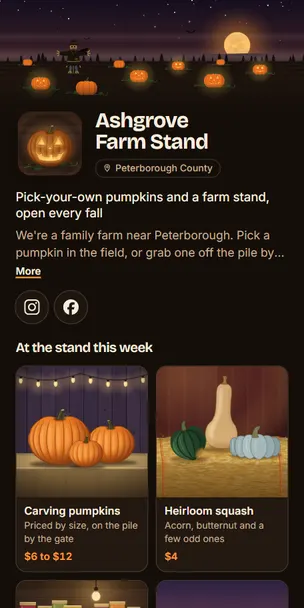
Ashgrove Farm Stand
Small business · Peterborough County
Pick-your-own pumpkins and a farm stand, open every fall
Yours could be the next one.
Start from any page here or a blank one, or paste the address of the page you have now and we’ll rebuild it for you to check.











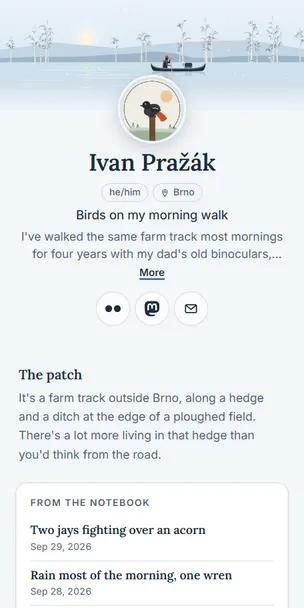


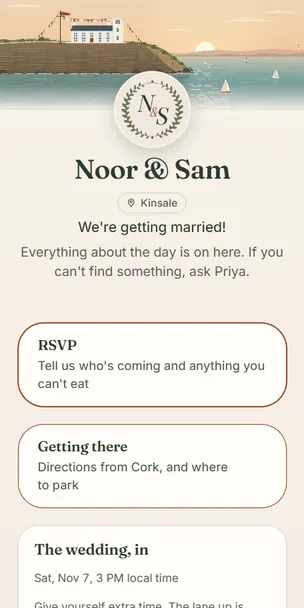


















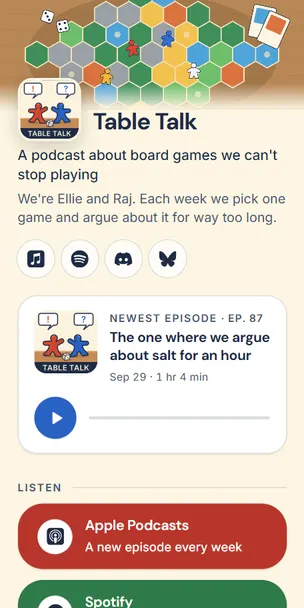

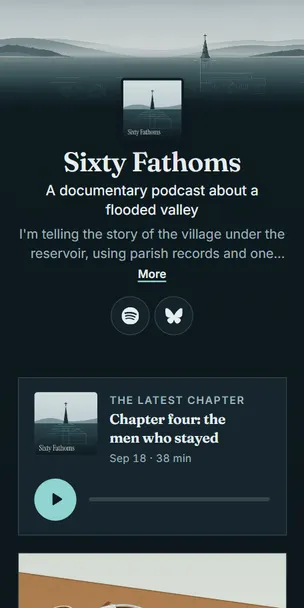










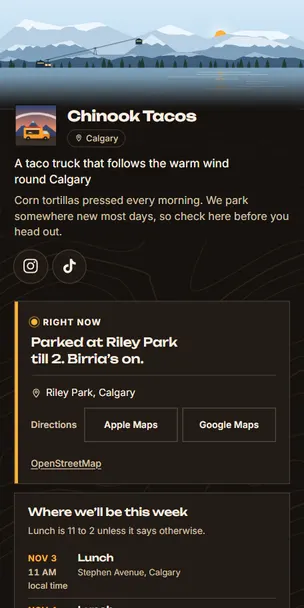


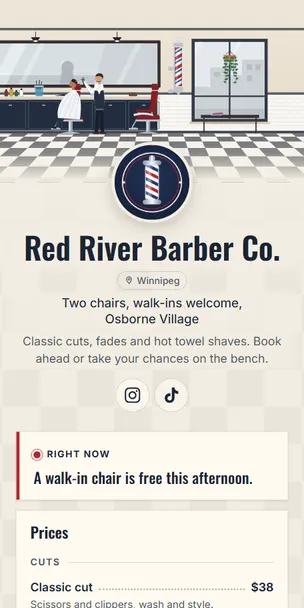


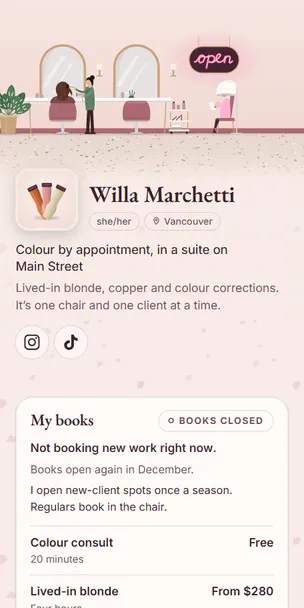


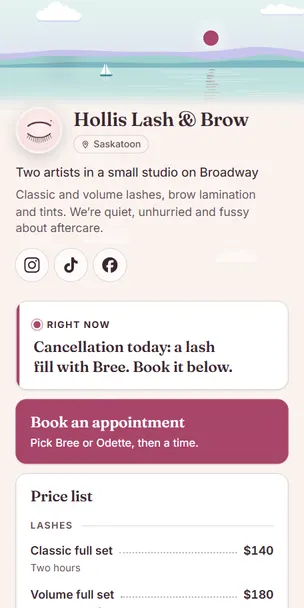













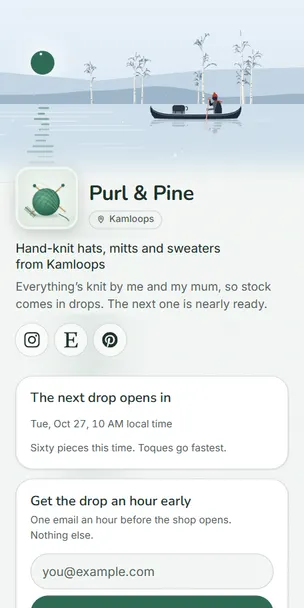

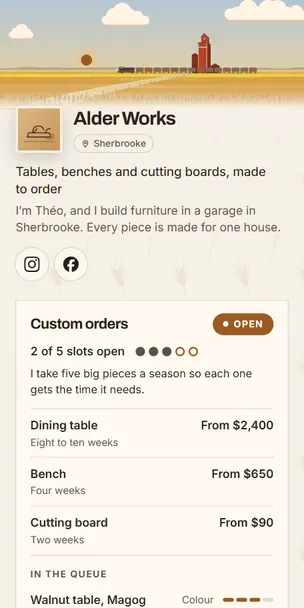


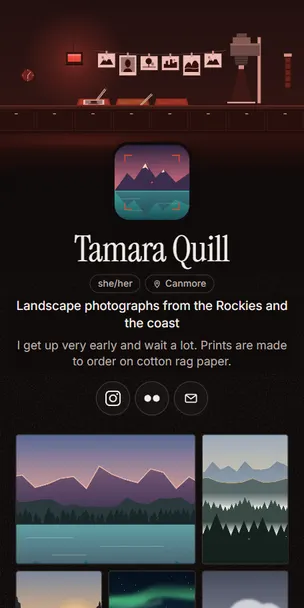


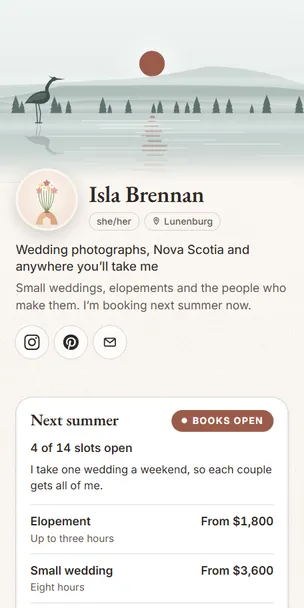

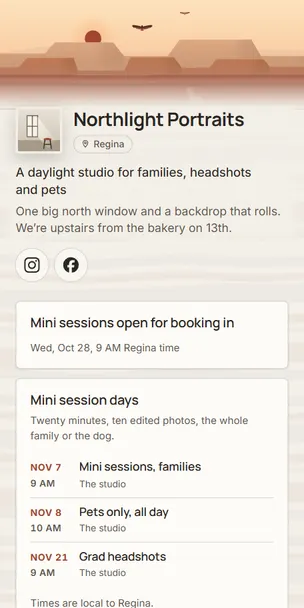

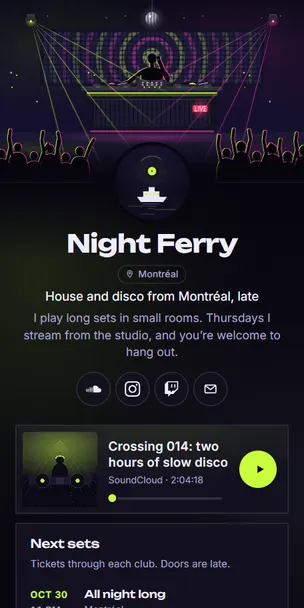


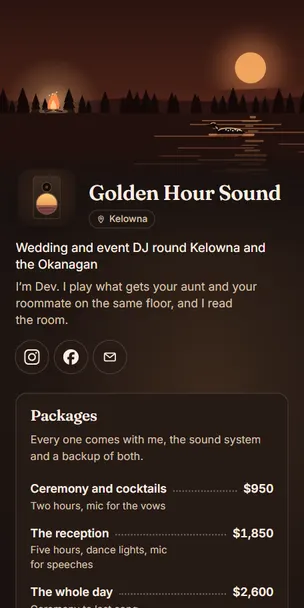


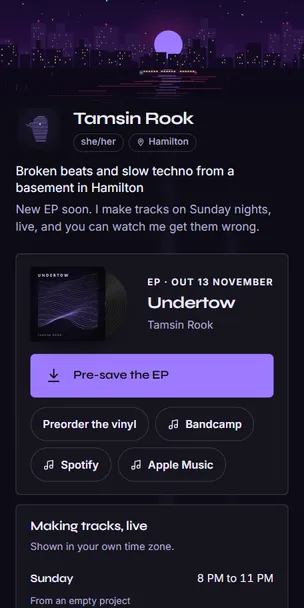


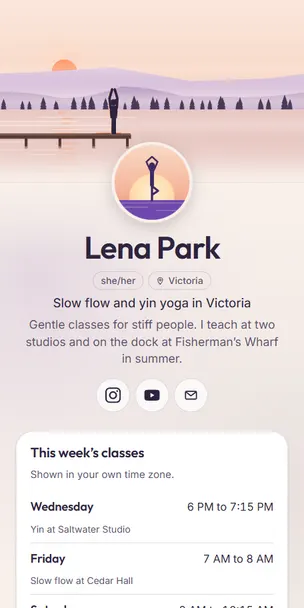


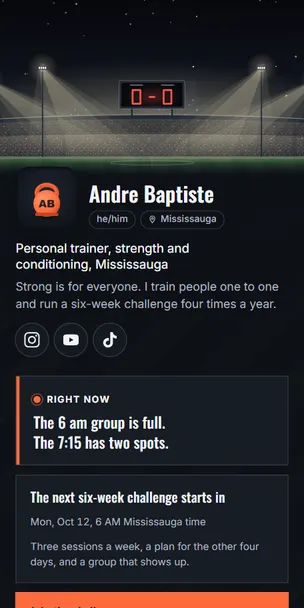


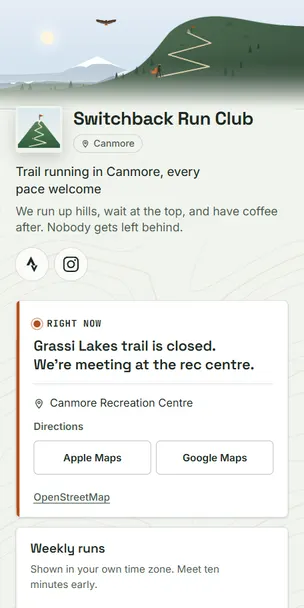







































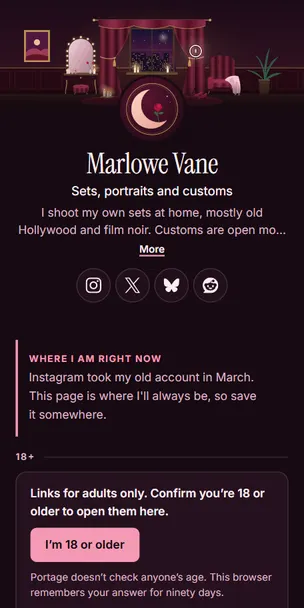


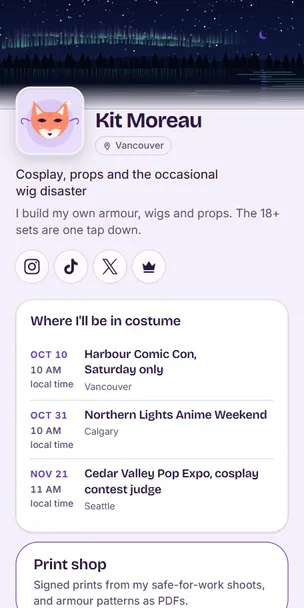

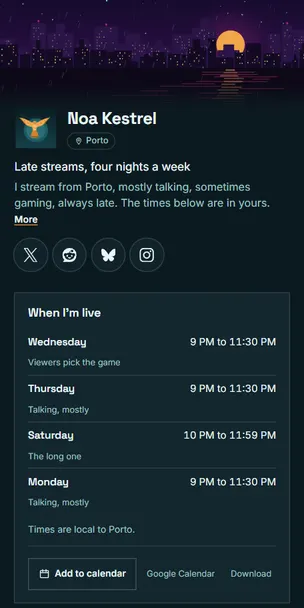

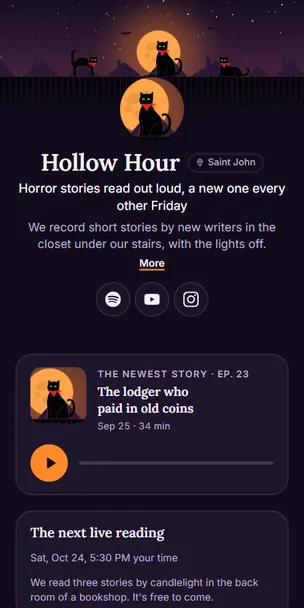








Every feature across all the examples, and where to see it
They’re all free on every page. Choose a page to see that feature on it.
On 1 page
On 9 pages
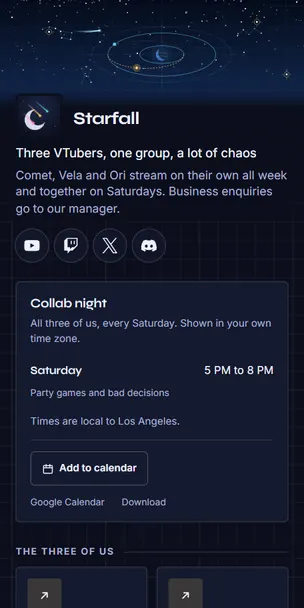
Schedule in each visitor’s time zone
On 16 pages
On 14 pages
A Right now line from your phone
On 9 pages
On 7 pages
On 5 pages
On 4 pages
On 3 pages
What’s new in the latest version
On 3 pages
On 2 pages
On 4 pages
On 3 pages
Open-to-work note with an end date
On 3 pages
On 3 pages
On 4 pages
On 7 pages
On 9 pages
On 3 pages
On 7 pages
- Noor & Sam
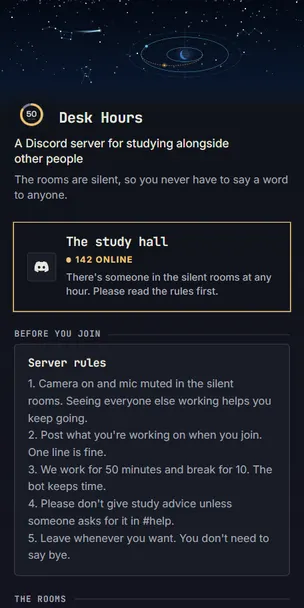
- Desk Hours
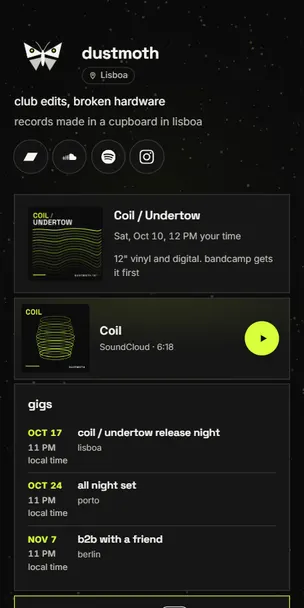
- dustmoth
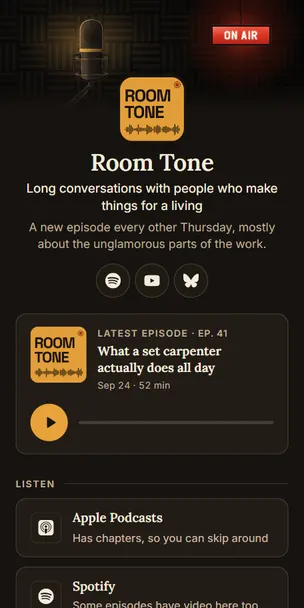
- Room Tone
- and 3 more
On 33 pages
Dates that drop off after they pass
On 34 pages
On 3 pages
On 19 pages
- Noor & Sam
- Mara Beltrán
- dustmoth
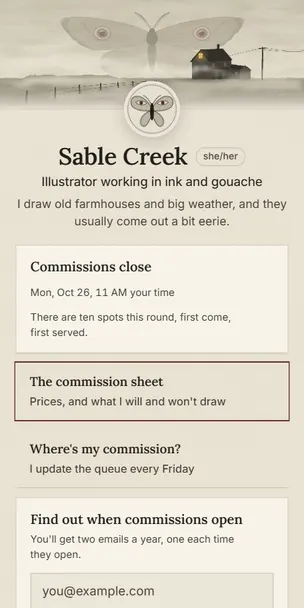
- Sable Creek
- and 15 more
On 6 pages
On 11 pages
On 1 page
On 32 pages
On 15 pages
On 4 pages
Notices that can end on a set date
On 11 pages
On 1 page
On 16 pages
On 5 pages
On 1 page
On 3 pages
On 9 pages
On 5 pages
On 6 pages
On 26 pages
- Noor & Sam
- Omar Haddad
- Chunky CRT
- Mara Beltrán
- and 22 more
On 55 pages
- Noor & Sam
- Omar Haddad
- Chunky CRT
- Mara Beltrán
- and 51 more
On 10 pages

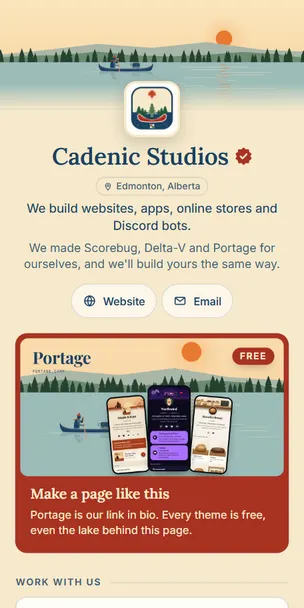
Our own pages are on Portage too.
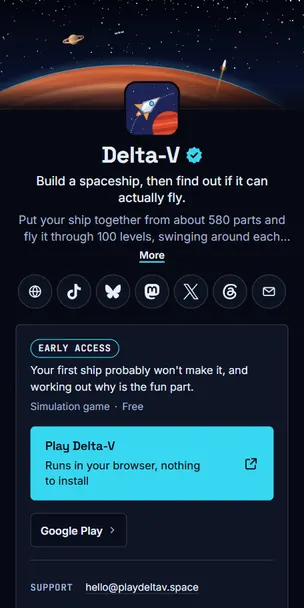
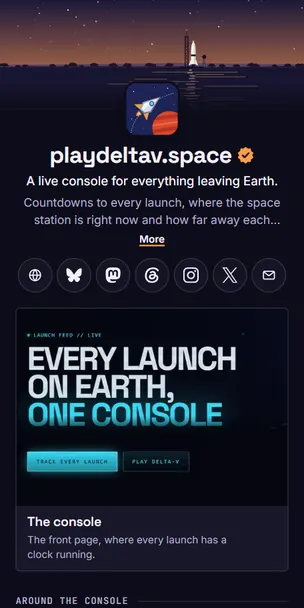
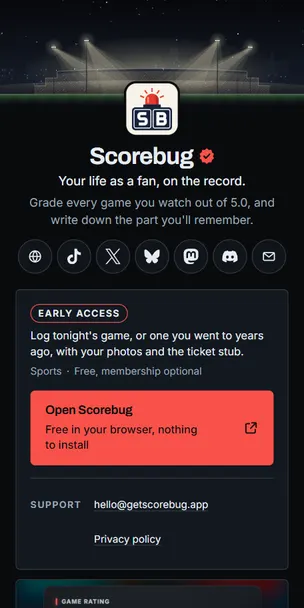
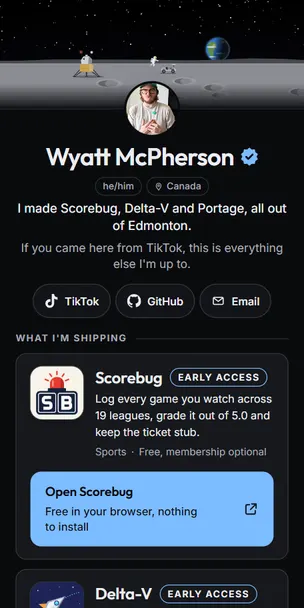
Cadenic Studios is the studio that makes Portage. Delta-V is our space game and playdeltav.space is its website, Scorebug is our sports app, and Wyatt McPherson is the guy who built Portage.









Try a different look on these pages.
Pick a page, then change its landscape, colours, font, buttons, layout or background, or press Surprise me. If you like what you land on, start your page with it.
@marabeltran in Cretaceous, with the page’s own colours.
Your page starts in Cretaceous with this look. Add your own photos in the editor, and change any of it later.

Start your own page.
Pick a handle, then start from any page above or from a blank one. Everything you’ve seen here is free.
Every page here uses the same free tools you’ll get. Supporters pay for the next ones. Support Portage