My list lives on someone else’s platform
Collect sign-ups on your page and download them as a CSV whenever you want. We never email the people on it.
Portage for writers
Pick a serif that looks like a masthead and write a few paragraphs about your work. Anyone who signs up goes on an email list that’s yours to keep.
Pick a serif that looks like a masthead and write a few paragraphs about your work.
Pick a feature to see it on the page
Quiet Harbour
A newsletter about small towns, every other Sunday
I’m Ruth. I write about places that used to have a railway, and the whole archive is free to read.
Get the next letter
Pour a coffee first. They’re long, and they’re meant to be read slowly.
What you’ll get
Each letter is about one small town and the railway it used to have. They usually run to about 2,000 words, and some come with old photos or a map I’ve drawn.
If you’re new
My book
In person
Readings and walks
Free unless the venue charges at the door. I always stay after for a chat.
Tap the address to open Quiet Harbour’s page and try it.
You can download your subscribers’ addresses whenever you like.
One that looks like a masthead, from twenty-four typefaces.
About your work, in notes that read like writing.
Every address on it is yours to download and keep.
Collect sign-ups on your page and download them as a CSV whenever you want. We never email the people on it.
Put Substack, Medium and your own site on one page. Your newest letters come in by themselves from your feed.
List your readings with their dates and places, and each one comes off your page by itself the day after.
List your readings with their dates and places, and each one comes off your page by itself the day after.
Choose from twenty-four typefaces, a few of them proper serifs, and write notes that show up as real paragraphs.
Add a book card. Its Buy button opens a shop in the reader’s own country, and says Preorder until the day it’s out.
Your page asks AI companies not to train on it, and a do-not-mine notice says the same. Search engines aren’t asked to stay away. It’s a request, so crawlers that follow the rules stay out.
It’s all free, and you can download everything and take it somewhere else whenever you like.
How these work, step by step: stats without cookies, an email list that’s yours, one Buy link for a book and ask AI not to train on it.
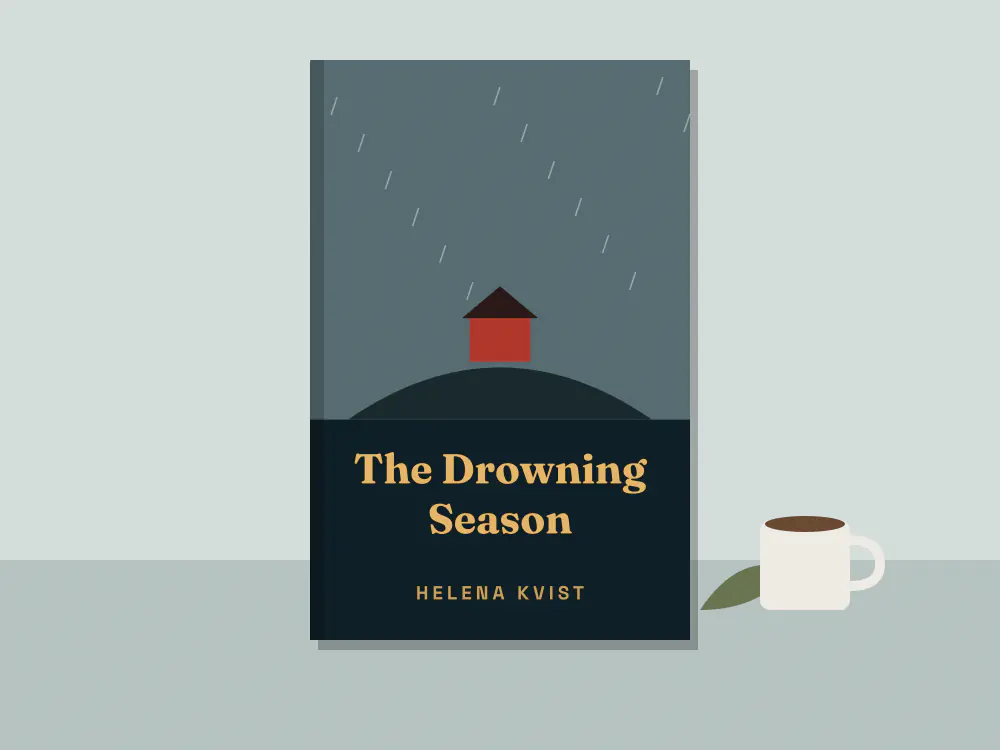
We made all three up. Quiet Harbour is built around its mailing list and Rafael’s page around his newest stories. Helena Kvist’s is counting down to her next book.We made all three up. Start from any of them.
Quiet Harbour, an example: @quietharbour
The last three letters come in from the feed, with readings and walks listed under them.
Rafael de la Cruz, an example: @rafaeldelacruz
A reporter’s page that says when he’s free for work and how editors can reach him.
Helena Kvist, an example: @helenakvist
She has readings in four cities, and her letter goes out twice a year at most.
Put it in your bio and your email signature. If you switch platforms, change the link on your page and download your list to take with you.
Every feature is free. See what costs money
Already have a link page somewhere else? Bring your page over
Portage is free for everyone, and supporters keep it that way. Support Portage
Creators and streamers
Music, art and the stage
Shops, chairs and classes
Teams, servers and work
Everything on this page works on every Portage page, and all of it is free. You can read more about pricing or how the checks work.