




People show up while I’m offline and leave
While you’re on, your Twitch link says LIVE and names the game. When you’re not, your schedule tells people when to come back.
Portage for streamers
Add your Twitch channel and your page shows when you’re live and what you’re playing. Viewers see your schedule in their own time zone, and Kick and Rumble channels can show the live badge too.
Add your Twitch channel and your page shows when you’re live and what you’re playing.
Pick a feature to see it on the page

Northwind
they/themEdmonton
Cozy games on Twitch, three times a week
I play a lot of farming sims, and chat is half the stream. Pull up a chair.
When I’m on
The usual week
Away Mon, Oct 19 to Sun, Oct 25. Back the Tuesday after.
Times are local to Edmonton.
Big nights coming up
Between streams
Support the stream
Paid partnership
Lodgepole Coffee
15% off your first bag
NORTHWIND15They sponsor Saturdays, and it’s what’s in my mug anyway. The code works once per person.
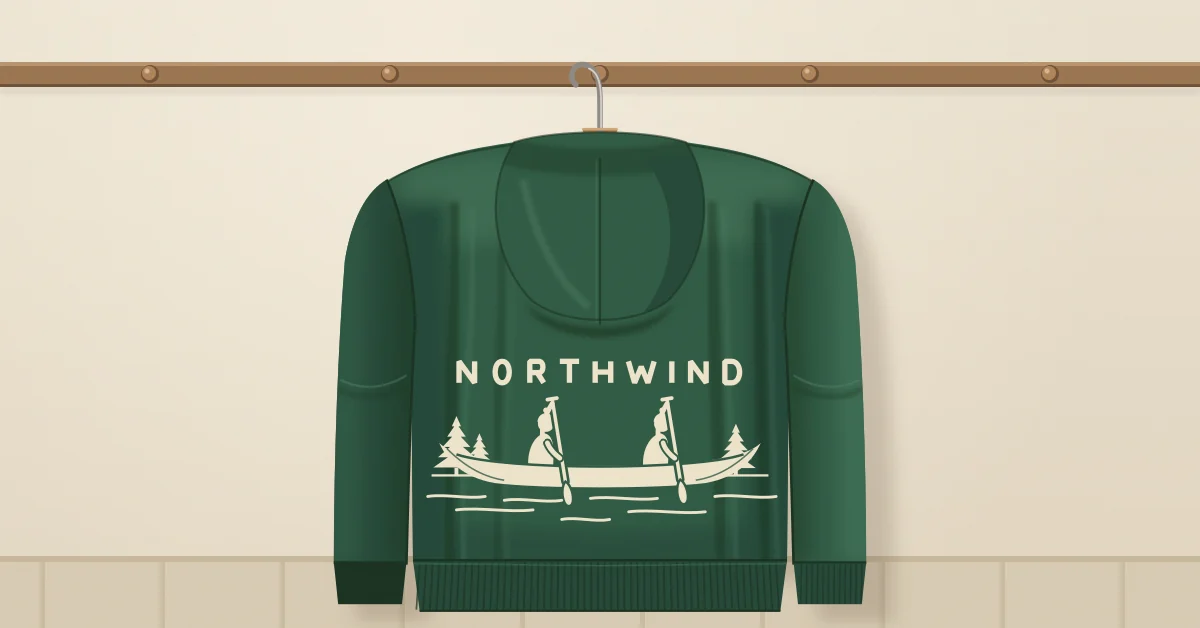 MerchThe Northwind hoodieForest green with the canoe on the back. It’s printed to order, so give it two weeks.
Tap the address to open Northwind’s page and try it.
The live badge checks Twitch about once a minute.
That’s all the live badge needs. It lights the next time you go live.
Your times, in your time zone. Every viewer sees them in theirs.
One link under your stream, in your bio and in your Discord.
We made all three up. Each one shows viewers when the next stream is, in its own way.We made all three up. Start from any of them.
Northwind, an example: @northwind
Northwind streams three nights a week, and viewers see the schedule in their own time zone.
Chunky CRT, an example: @chunkycrt
A short page that’s mostly his live link, with his latest YouTube uploads underneath.
Mara Beltrán, an example: @marabeltran
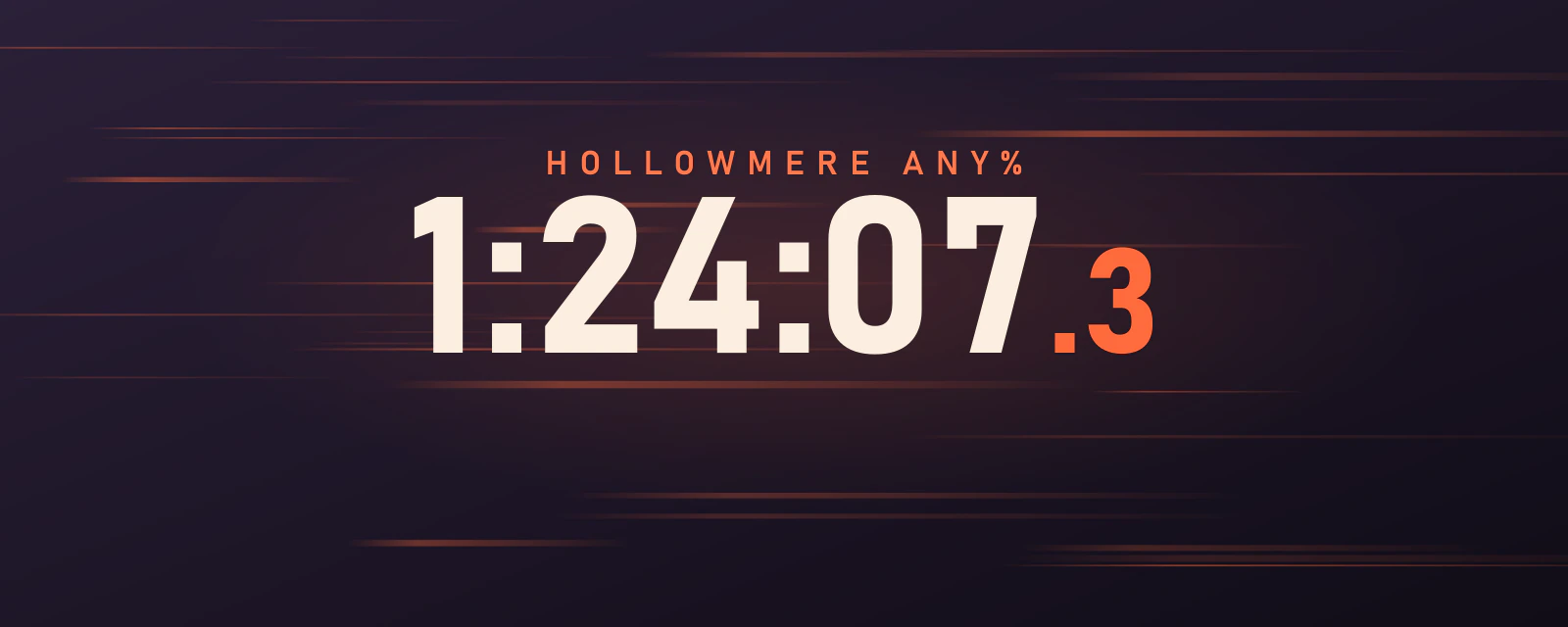
A speedrunner’s page built around dates, with a countdown to her next bracket and every marathon she’s booked.
Both are optional, and you don’t install anything for either one. There’s no bot in your chat.
Sign in with Twitch and you can add your channel and its live badge in one click, without typing anything.
Paste your Discord invite and your page shows how many people are online in it, with nothing to switch on. Paste in an event’s link from Discord and your page shows when it starts, in each viewer’s own time. There’s no bot to invite.
Sign in with Twitch and you can add your channel and its live badge in one click, without typing anything.
Paste your Discord invite and your page shows how many people are online in it, with nothing to switch on. Paste in an event’s link from Discord and your page shows when it starts, in each viewer’s own time. There’s no bot to invite.
The live badge and the Discord online count don’t add a cookie to your page, and we don’t keep a record of who looked.
Continue with TwitchContinue with Discord
The live badge and the Discord online count don’t add a cookie to your page, and we don’t keep a record of who looked.
While you’re on, your Twitch link says LIVE and names the game. When you’re not, your schedule tells people when to come back.
Set your schedule once in your time zone and everyone sees it in theirs. Viewers can add it to their calendar, and it keeps up when you change it.
Group links under headings and make the one that matters bigger. A sponsor’s code gets a block of its own, with a copy button and a Paid partnership label.
Group links under headings and make the one that matters bigger. A sponsor’s code gets a block of its own, with a copy button and a Paid partnership label.
Add it as a date. One-off streams show up there and drop off the day after.
Send them a link to your page’s real numbers, for the dates you pick, counted without cookies. It stops working when you say so.
Turn on search in the editor, and people who look you up by name can find your page and every link on it.
Everywhere else you post goes on your page as a normal link, and a YouTube player can always show your newest upload. When you’re live somewhere we can’t check, like TikTok or Instagram, click Go live and a live card sits at the top of your page for the hours you pick.
How these work, step by step: a schedule in every time zone, show when you’re live and send everyone to one link.
Pick a handle and click Continue with Twitch. After that, your live badge is one more click away.
Every feature is free. See what costs money
Already have a link page somewhere else? Bring your page over
Portage is free for everyone, and supporters keep it that way. Support Portage
Creators and streamers
Music, art and the stage
Shops, chairs and classes
Teams, servers and work
Everything on this page works on every Portage page, and all of it is free. You can read more about pricing or how the checks work.