




































































































































































My readers are in different countries
Your book card’s Buy button opens a shop in the reader’s own country, worked out in their browser. Every other shop is listed under it.
Portage for authors
Your book card has one Buy button, and it opens a shop in the reader’s own country. Until release day it says Preorder, and the library is listed too. Your readings go underneath.
Your book card has one Buy button, and it opens a shop in the reader’s own country.
Pick a feature to see it on the page

Agnes Caird
she/herHalifax
Crime novels on the Halifax waterfront
I write the Ruth Moss books. The fourth one is nearly out.
The Slack Tide, out inExample
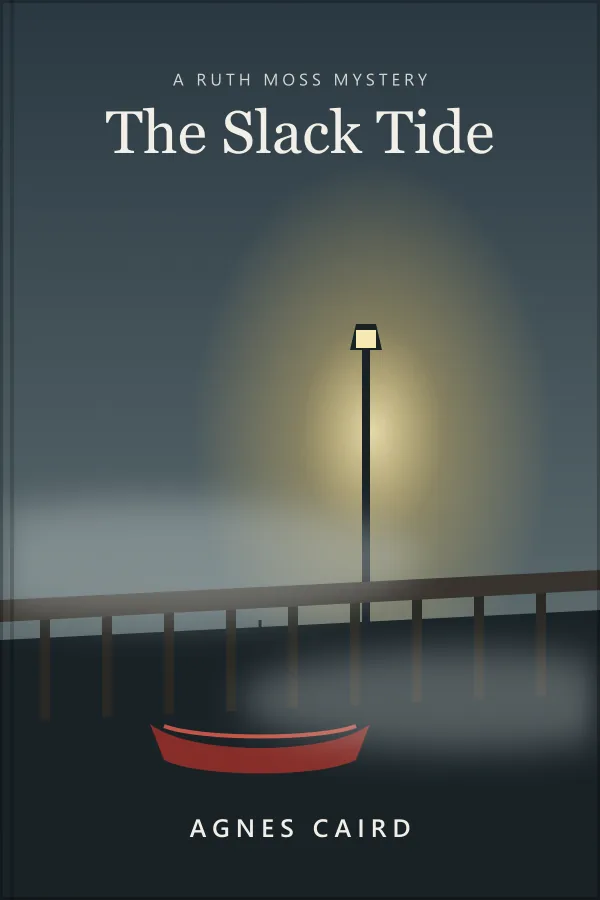
Out December 1
The Slack Tide
Ruth Moss, book four: a body in a lobster trap, and a harbour that won’t talk.
Launch week
Bring your old copies and I’ll sign them too.
Hear when I’m reading near you
Tell me your city and I’ll write when I’m reading nearby or there’s a new book.
Ruth Moss, from the start
Before you start
It helps. Each case stands on its own, but Ruth’s life moves on from book to book.
Dark enough for crime. Nothing happens to a child or a dog on the page, and most of the violence is over before Ruth arrives.
The streets and the weather are. The bars, the police station and everyone in them are made up.
The same narrator for all four. She grew up in Dartmouth, so the accents are right.
portage.camp › @agnescaird
Agnes Caird (example page)
An example Portage page. I write the Ruth Moss books. The fourth one is nearly out.
Tap the address to open Agnes Caird’s page and try it.
The Buy button switches from Preorder by itself.
Add the cover, the formats and every shop that sells it.
The button changes on the day, so you don’t have to.
Say where and when each one is.
Agnes Caird writes crime set in Halifax. The other two write fantasy and picture books, and none of the three are real.They’re made-up authors.
Agnes Caird, an example: @agnescaird
A crime novelist counting down to her next book, with launch readings in four cities and a list that asks where you live.
A signed preorder, one tap from the top
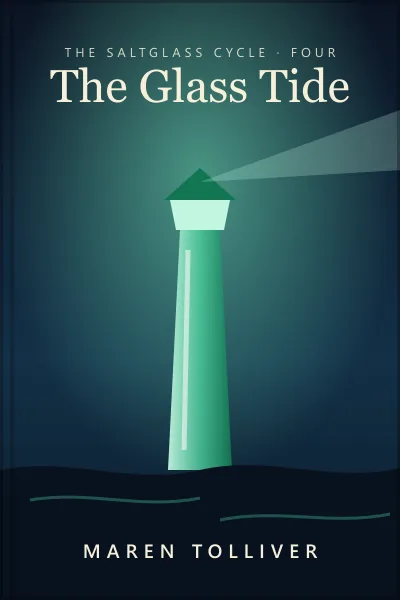
Maren Tolliver, an example: @marentolliver
A fantasy series in reading order, the fourth book on preorder, and the questions every new reader asks.
A free first chapter for new readers
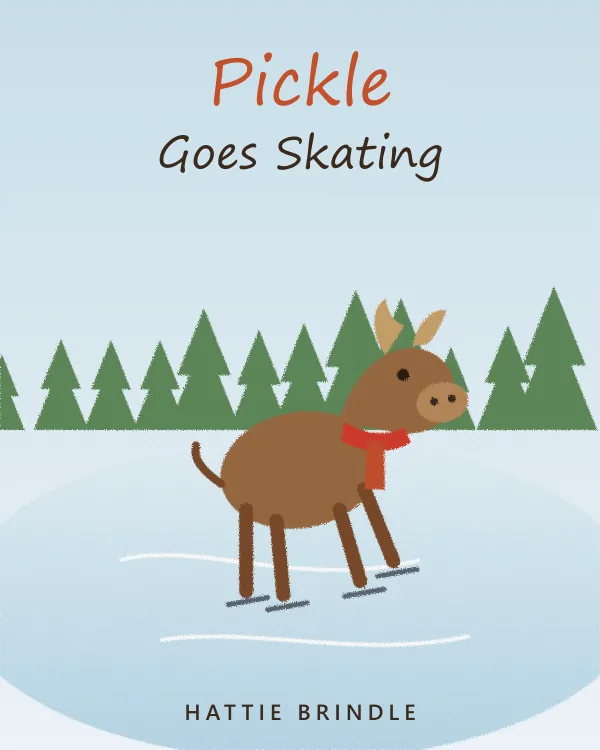
Hattie Brindle, an example: @hattiebrindle
A picture book author whose page is for teachers too: school visits by city, a card for bookings and the book itself.
School visits booked in one tap
Your book card’s Buy button opens a shop in the reader’s own country, worked out in their browser. Every other shop is listed under it.
Count down to it on your page. Before the day the button says Preorder, and on the day it says Buy by itself.
List your readings with their dates and places. Your sign-up can ask which city readers are nearest, so you know who to tell.
List your readings with their dates and places. Your sign-up can ask which city readers are nearest, so you know who to tell.
Lay the covers out in a row, in order, each going to its own page. Any price is words you write.
Answer them once: the reading order, signed copies, whether book four is coming. Every answer is real text that search engines can read.
Your page asks AI companies not to train on it, and it carries a do-not-mine notice as well. Crawlers that follow the rules stay out, and search engines can still find your page.
How each of these works:
When we improve how search engines and AI answer engines read pages, yours gets the change by itself.
When we improve how search engines and AI answer engines read pages, yours gets the change by itself.
Nobody can promise a place in search results or a mention in an AI answer, so we don’t. What we can do is make your page easy to read and accurate, and keep it that way.
Put it in your bio, on your bookmarks and in the back of the book.
Every page feature is free. See what costs money
Already have a link page somewhere else? Bring your page over
Portage costs nothing to use. Supporters pay for the servers and for a person to read every report. Support Portage
Creators and streamers
Performers and makers
Businesses and services
Communities, teams and work
You can read more about pricing or how the checks work.