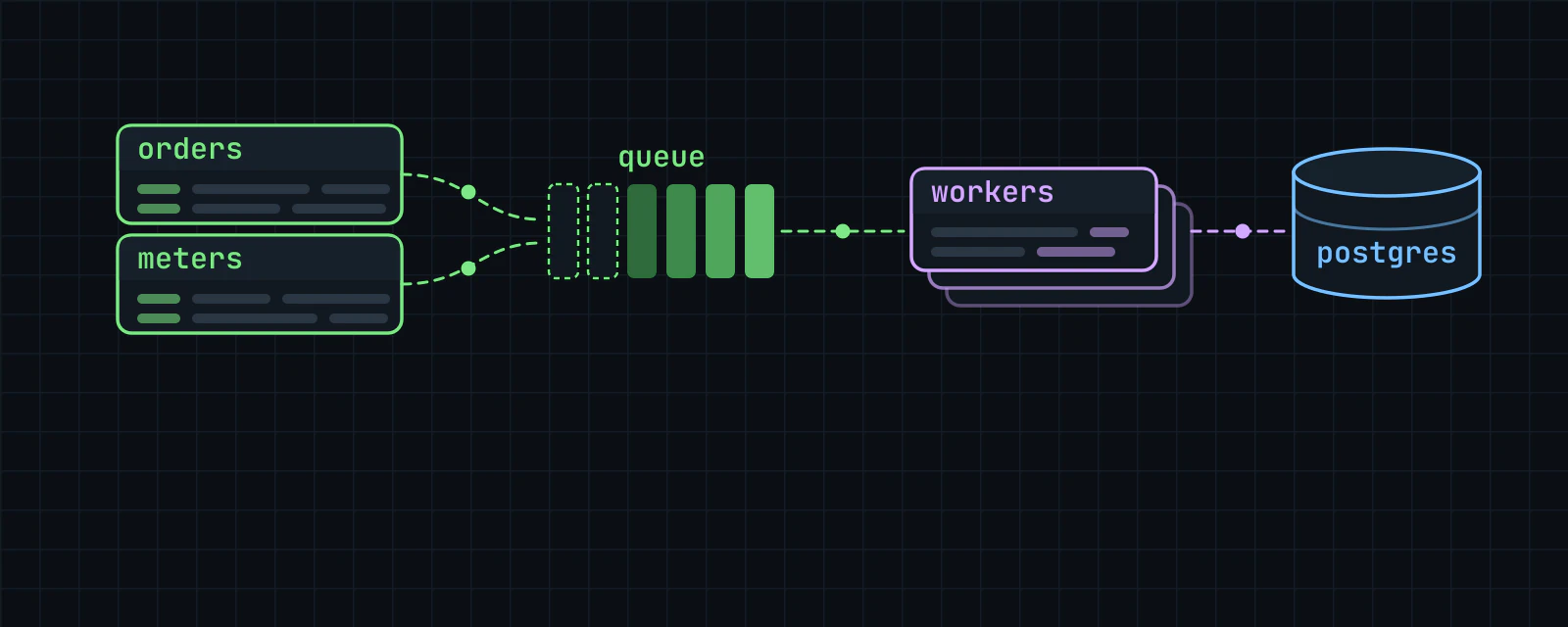
I always forget to take ‘open to work’ down
Every open-to-work note has an end date, no more than a year out. On that day it comes off your page by itself.
Portage for job seekers
Put your work history, schooling and skills on one page with your name at the top. Add a note saying you’re open to work and it comes down by itself on the date you pick.
Put your work history, schooling and skills on one page with your name at the top.
Pick a feature to see it on the page

Maya Okafor
she/herEdmonton
Data analyst with a stats degree from the U of A
Most of my work so far has been with transit and survey data. I’m looking for my first full-time analyst job.
Open to work
Data analyst roles
Experience
Work
May 2025 to Dec 2025
Data analyst, co-op
Northline Transit Authority, Edmonton
Built the ridership dashboard the planning team now opens every morning.
Sep 2024 to Apr 2025
Research assistant
Prairie Survey Lab, Edmonton
Cleaned and weighted a 12,000-response household survey for its first public report.
Sep 2023 to Apr 2024
Statistics tutor
Campus Learning Centre
Education
2022 to 2026
BSc Statistics, with distinction
University of Alberta
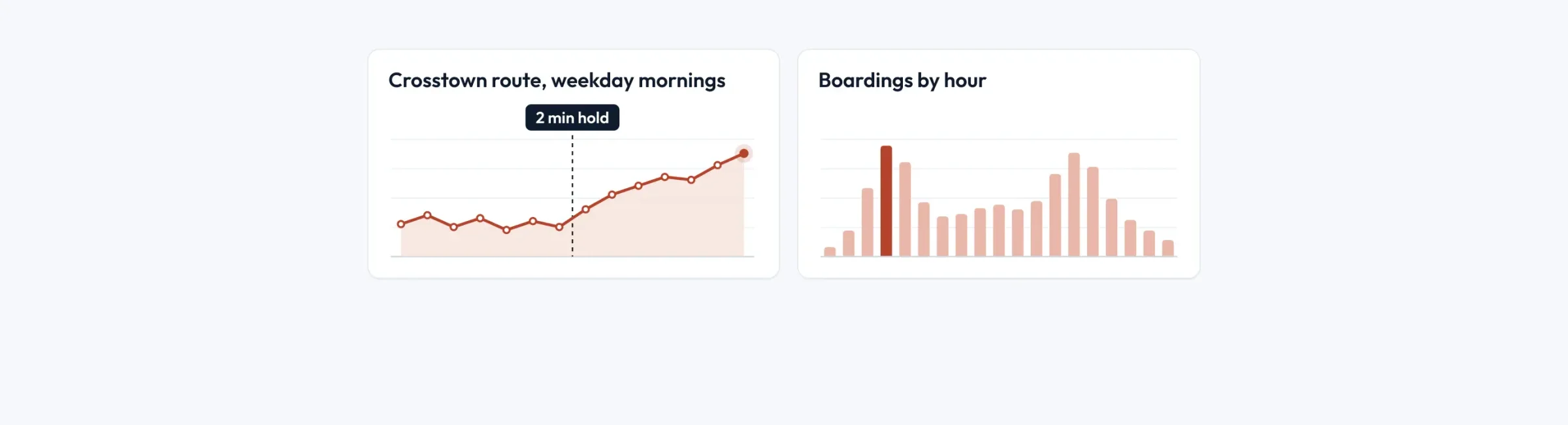
My capstone looked at bus bunching on a crosstown route and what a two-minute hold would fix.
Skills
Projects
Tap the address to open Maya Okafor’s page and try it.
You can print the page whenever you need a clean copy.
Jobs, schooling and skills, newest first, in your own words.
An open-to-work note that comes down on the date you pick.
One link, with a clean copy that prints whenever you need it.
Every open-to-work note has an end date, no more than a year out. On that day it comes off your page by itself.
Put your résumé on the page, newest first, and it prints cleanly. People can still download the PDF from the same page.
Your name is the main heading, and search engines are told what you do, where you studied and your skills. Turn on indexing and it’s ready.
Make your page that one link. Give each application its own link to it, and your numbers show which were opened. Not who, just which.
Put your jobs, schooling and courses on one timeline in your own words, with a line under each about what you got out of it.
The résumé block never asks for your birthday, address, photo or nationality. Put your number behind a password for employers you choose.
None of this costs anything, now or after you’ve landed the job.
How these work, step by step: know which bio sent them and built for screen readers.
We made all three up. Each one starts with what the person wants next, and their résumé comes after it.We made all three up. Start from any of them.
Maya Okafor, an example: @mayaokafor
A statistics grad who’s open to work, with her résumé as a timeline and a PDF to download.
Graham Whitlock, an example: @grahamwhitlock
After nine years teaching science, Graham is looking for work in instructional design.
Lina Albrecht, an example: @linaalbrecht
Lina’s a freelance engineer between contracts, and her page says when she can start the next one.
Use the same link on every application, and update the page whenever something changes.
Every feature is free. See what costs money
Already have a link page somewhere else? Bring your page over
Portage is free for everyone, and supporters keep it that way. Support Portage
Creators and streamers
Music, art and the stage
Shops, chairs and classes
Teams, servers and work
Everything on this page works on every Portage page, and all of it is free. You can read more about pricing or how the checks work.