





People ask about commissions when I’m closed
A commissions board says open, waitlist or closed, counts the slots left and closes itself on the last day you pick.
Portage for artists
Show your work in big pictures and let people know when you’re taking commissions. Your shop links go straight to wherever you sell.
Show your work in big pictures and let people know when you’re taking commissions.
Pick a feature to see it on the page
Sable Creek
she/her
Illustrator working in ink and gouache
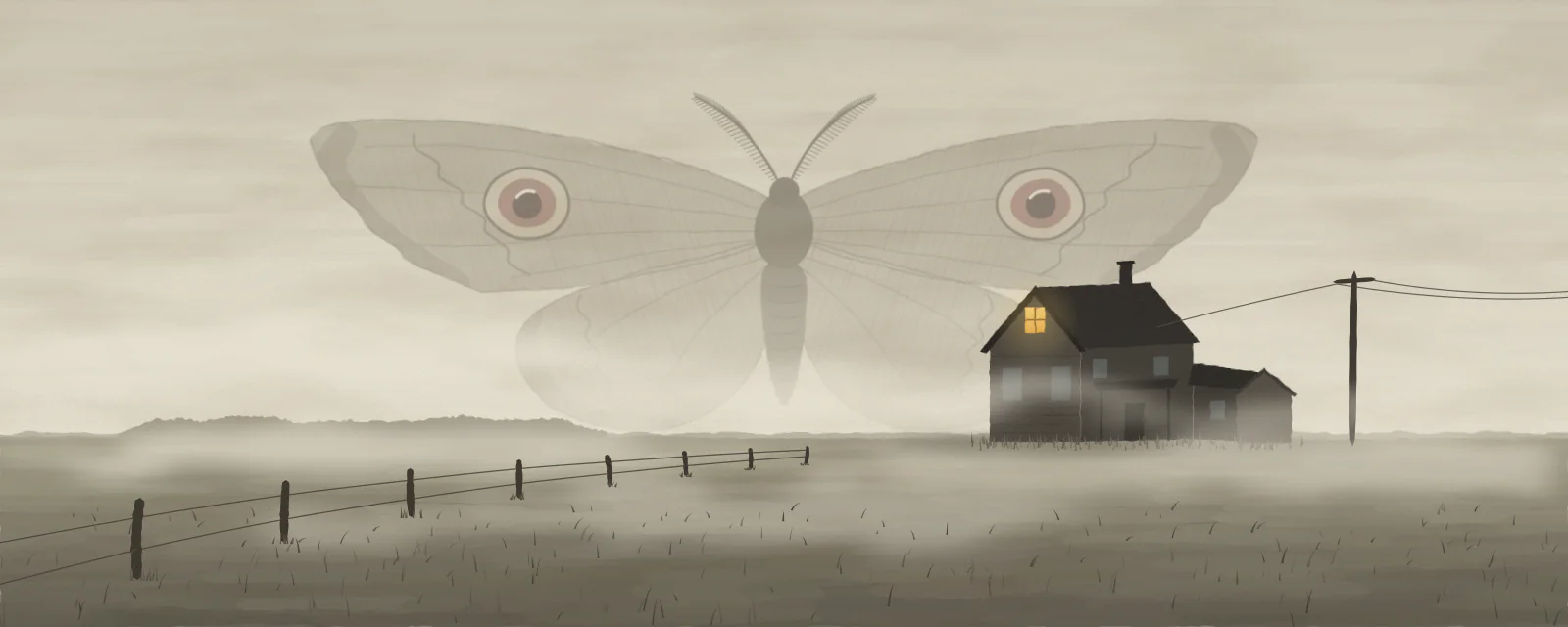
I draw old farmhouses and big weather, and they usually come out a bit eerie.
Commissions close
There are ten spots this round, first come, first served.
Commissions
Open3 of 10 slots open
Prices, and what I will and won’t draw, are on the sheet.
In the queue
Find out when commissions open
You’ll get two emails a year, one each time they open.
Work
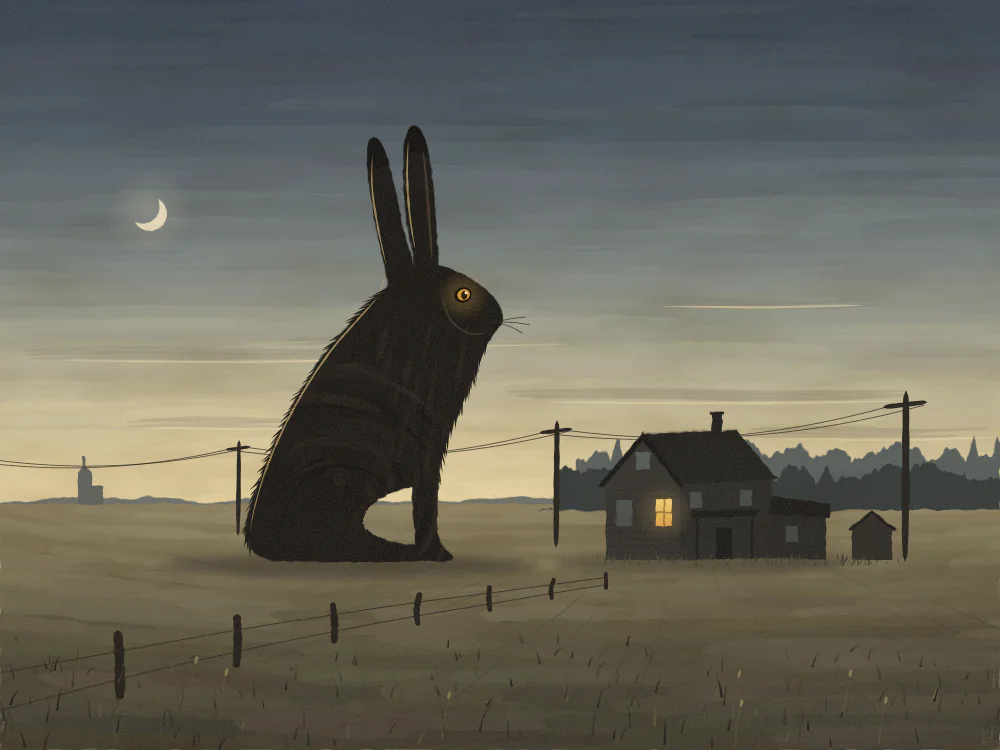
Drawing, live
Tap the address to open Sable Creek’s page and try it.
A note like “Commissions closed” comes down on the date you pick.
They open larger when someone taps, in colours that suit your work.
Open, waitlist or closed, with the slots you have left.
Etsy, Ko-fi, Gumroad and the rest, each with its own icon.
We made all three up. Sable Creek counts down to the day her commissions close, Oxide Print sells linocuts online and at markets, and Tess Varga books tattoo appointments.We made all three up. Start from any of them.
Sable Creek, an example: @sablecreek
Her commission queue is public, and the page shows when she’s streaming her process.
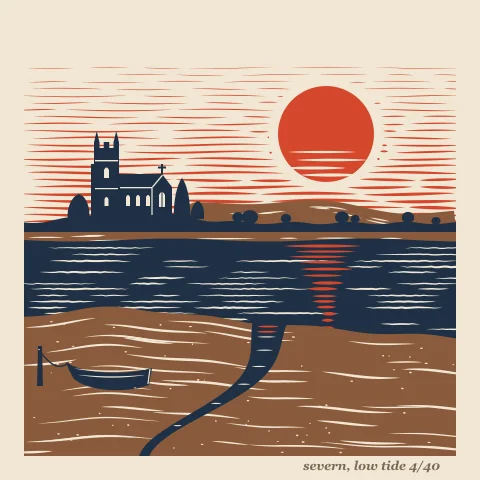
Oxide Print, an example: @oxideprint
Each print has its price and edition size, with a note on how the editions work.
Tess Varga, an example: @tessvarga
A tattoo artist’s page with her studio hours, directions, flash designs and a contact card.
A commissions board says open, waitlist or closed, counts the slots left and closes itself on the last day you pick.
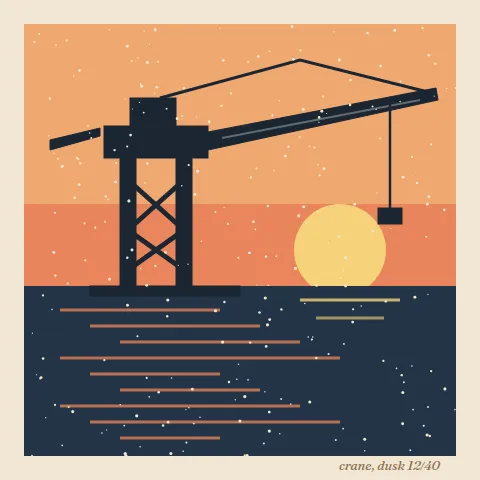
Put your work in a gallery that opens each piece larger when someone taps it, or in full-width pictures with captions.
Etsy, Gumroad, Ko-fi, Patreon and Throne get their own icons, and prints can sit in a grid with their prices.
Etsy, Gumroad, Ko-fi, Patreon and Throne get their own icons, and prints can sit in a grid with their prices.
Add your Behance, Dribbble or Flickr, and your page tells search engines those accounts are yours.
Turn on the content warning and visitors see it before anything else. A page with a warning stays out of search, too.
Your page asks AI companies not to train on it, or on the pictures you upload. Search engines aren’t asked to stay away. It’s a request, so crawlers that follow the rules stay out.
All of this is free, for you and for everyone else.
How these work, step by step: one Buy link for a book, ask AI not to train on it and grids, carousels and folds.
Put it in your bio once, and send everyone to your shop and your commissions from there.
Every feature is free. See what costs money
Already have a link page somewhere else? Bring your page over
Portage is free for everyone, and supporters keep it that way. Support Portage
Creators and streamers
Music, art and the stage
Shops, chairs and classes
Teams, servers and work
Everything on this page works on every Portage page, and all of it is free. You can read more about pricing or how the checks work.