










































Everyone asks which con I’m at next
List each con with its date and the city it’s in. Every one gets directions, and it comes off your page the day after.
Portage for cosplayers and prop makers
List your cons with their dates and the city, and each one comes off the page once it’s over. Put your builds up as photos that open larger, and say whether you’re taking prop commissions.
List your cons with their dates and the city, and each one comes off the page once it’s over.
Pick a feature to see it on the page

Marigold
she/herWinnipeg
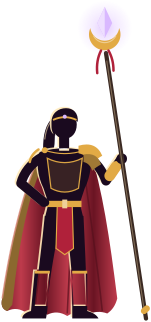
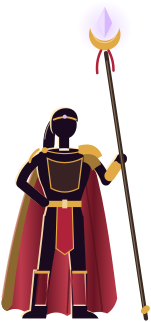
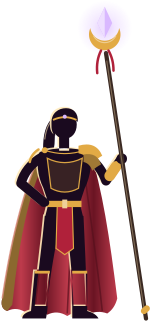
Cosplay and original costumes from Winnipeg
I’m Ana. I build my costumes from craft foam and thrifted fabric, and most of them are my own designs.
Where I’ll be next
Come say hi. I’m happy to pose for photos, just ask first.
Recent builds



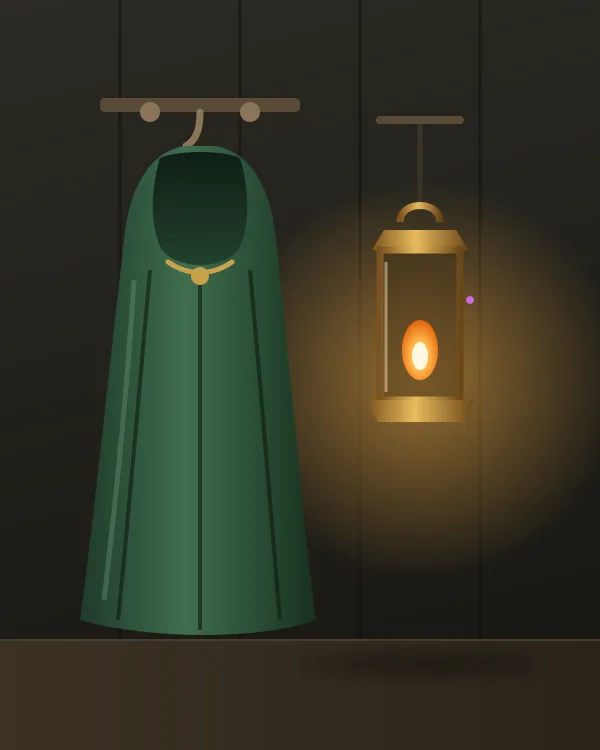
Small prop commissions
Open1 of 4 slots open
I take a few between cons. Big armour goes to friends who do it better.
Questions from the hall
Please do. Just ask first, and give me a second if I’m holding a drink.
Not whole costumes, sorry. I take a few headpieces and hand props between cons, on the board above.
Craft foam, a lot of hot glue and a frame of thin plastic pipe. I’m writing up a pattern for them now.
Hear which con I’m at next
One email before each con, and nothing else.
portage.camp › @marigoldcos
Marigold (example page)
An example Portage page. I’m Ana. I build my costumes from craft foam and thrifted fabric, and most of them are my own designs.
Tap the address to open Marigold’s page and try it.
Each con comes off your page by itself once it’s past.
Add the date and the city for each one.
Add a photo of each costume, with a caption if you like.
Pick how many props you can take on before the next con.
All three are made up. Marigold takes her costumes to cons across the Prairies, Ironbark Props builds foam armour in Thunder Bay, and Sparrow & Finch plan their group builds from Ottawa.None of these three are real. Pick the one closest to how you build.
Marigold, an example: @marigoldcos
A cosplayer in Winnipeg with her cons across the Prairies, photos of her builds and a small commissions board.
Her next cons, each gone the day after
Ironbark Props, an example: @ironbarkprops
A prop maker in Thunder Bay with the slots left this season, recent pieces with what they cost and his number.
Says how many commission slots are left this season
Sparrow & Finch, an example: @sparrowandfinch
Two sisters in Ottawa with their Discord on top, the cons they’re going to and their sewing nights.
Their Discord on top, with how many are online
List each con with its date and the city it’s in. Every one gets directions, and it comes off your page the day after.
Put up photos of each costume. They sit in rows that always fill, and each one opens larger when someone taps it.
A board says whether you’re open, how many slots are left and roughly what a helmet or a sword costs. When it fills up it switches to a waitlist.
A board says whether you’re open, how many slots are left and roughly what a helmet or a sword costs. When it fills up it switches to a waitlist.
Lay them out in a grid, each with a picture and a price in your own words. Each one goes to the shop you already sell through.
Add your server’s invite and your page shows how many people are online in it right now.
A contact card saves your name and email to their phone with one tap, so the photos from Saturday find their way back to you.
Prints and commissions stay with the shop and the forms you already use.
How each of these works:
When we improve how search engines and AI answer engines read pages, yours gets the change by itself.
When we improve how search engines and AI answer engines read pages, yours gets the change by itself.
Nobody can promise a place in search results or a mention in an AI answer, so we don’t. What we can do is make your page easy to read and accurate, and keep it that way.
Put it in your bio, and print it for your table at the next con.
Every page feature is free. See what costs money
Already have a link page somewhere else? Bring your page over
Portage costs nothing to use. Supporters pay for the servers and for a person to read every report. Support Portage
Creators and streamers
Performers and makers
Businesses and services
Communities, teams and work
You can read more about pricing or how the checks work.