

Stonefox Bread
Sourdough, Wednesday to Saturday
Point your phone’s camera here
portage.camp/
Three new Halloween themes. See them
QR code and print kit
Every Portage page has a QR code ready the moment it’s live. Print it on a poster, a window sign, a table tent or a sheet of business cards, drawn in your own landscape and colours.
Free on every Portage page, with every other feature. Nothing to upgrade to.
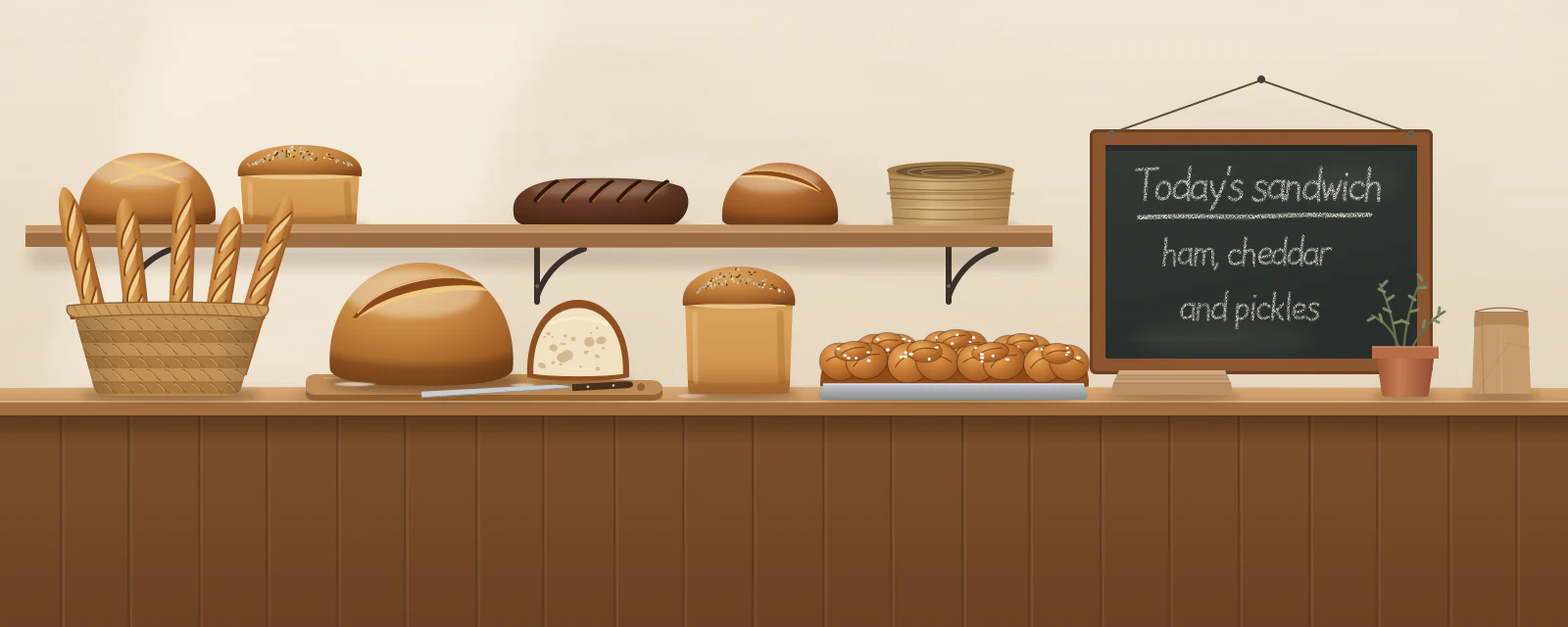
These are the actual sheets for Stonefox Bread, an example page: its own landscape, its own colours, its hours read straight off the page. Yours look like yours.
Table tent
Fold it along the middle and stand it on a table or a counter. It reads the right way up from both sides.
Poster
For a noticeboard, a door or the merch table. Your next dates go on it when you have some.
Window sign
Printed sideways, with your opening hours or your next dates when your page has them. Tape it inside the glass.
An SVG for anything you’re designing, or a 1200 pixel PNG for anything else. It points at your page and nothing in between, so it keeps working as long as your page does.
A poster, a window sign, a table tent, ten business cards to a sheet and aftercare cards, on Letter or A4. Each one is drawn from your page, so your hours or your next dates go on it by themselves.
Every printed piece carries its own word in its code, so your numbers say how many visits came from the poster and how many from the table tent.
The code exists from the first publish. There’s nothing to switch on.
Download the QR code, or press Posters and cards to see every sheet drawn from your page.
Print at home or at a shop. Each sheet says what it’s for, and the table tent folds along its middle.
Pick a handle, publish, and your code and print kit are ready to download.
Already have a link page somewhere else? Bring your page over
Made with this in mind: Portage for small businesses, Portage for musicians, Portage for tattoo artists, Portage for restaurants and cafés, Portage for real estate agents and Portage for makers and market sellers.


