Delta-V
Early accessYour first ship probably won’t make it, and working out why is the fun part.
Portage for app developers
The Get button opens the App Store on an iPhone, Google Play on Android and your web app on a computer. Your app’s card lists every store it’s in, each marked as available, in beta, on a waitlist or in development.
The Get button opens the App Store on an iPhone, Google Play on Android and your web app on a computer.
Pick a feature to see it on the page
Build a spaceship, then find out if it can actually fly.
Put your ship together from about 580 parts and fly it through 100 levels, swinging around each planet’s gravity. Try to keep enough fuel to get home.
Delta-V
Early accessYour first ship probably won’t make it, and working out why is the fun part.
Straight from the game
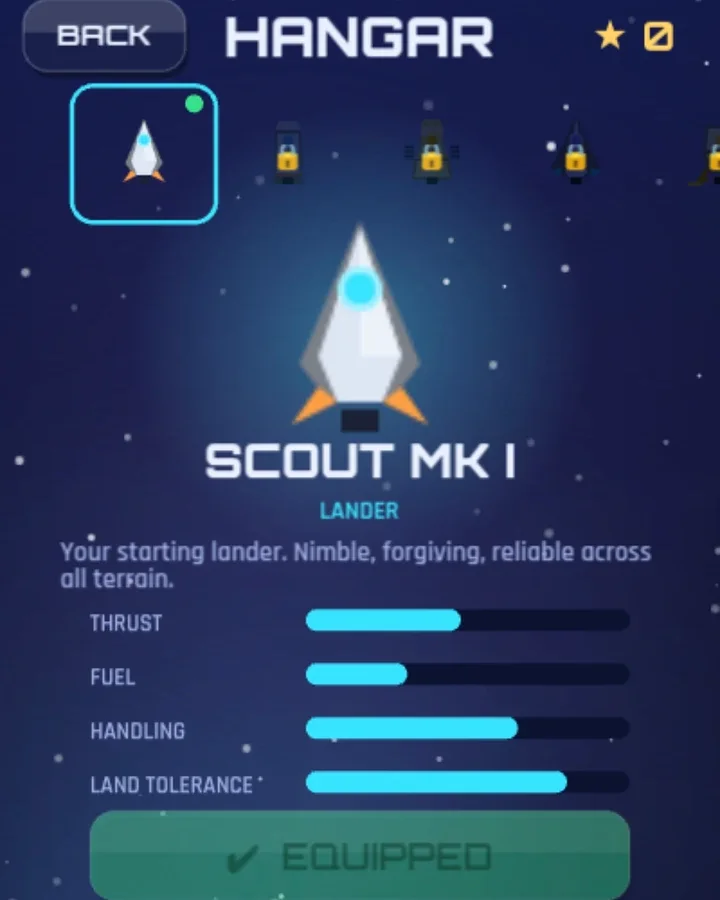
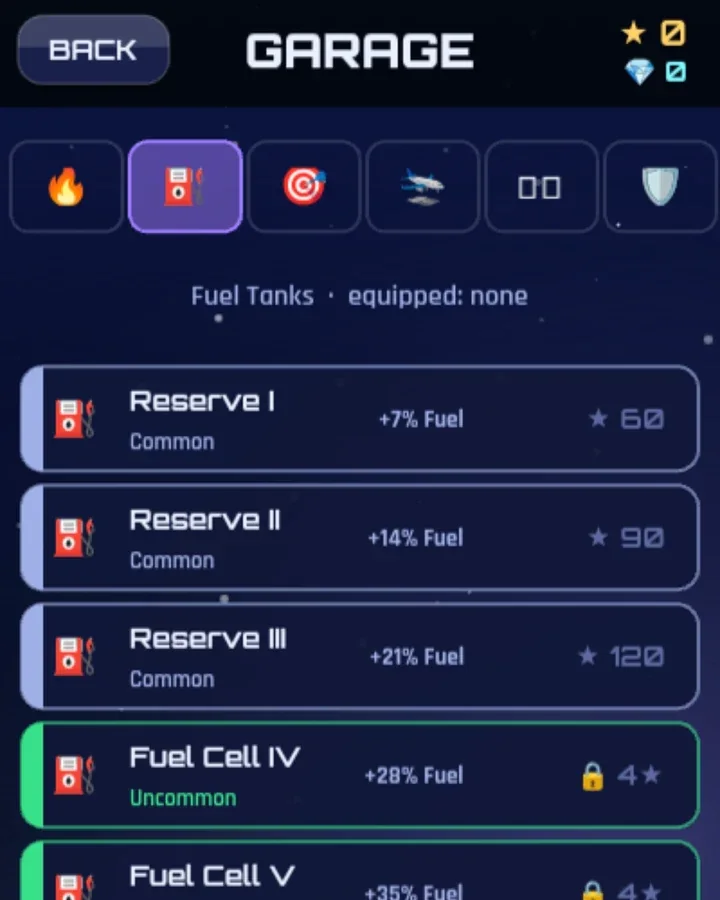
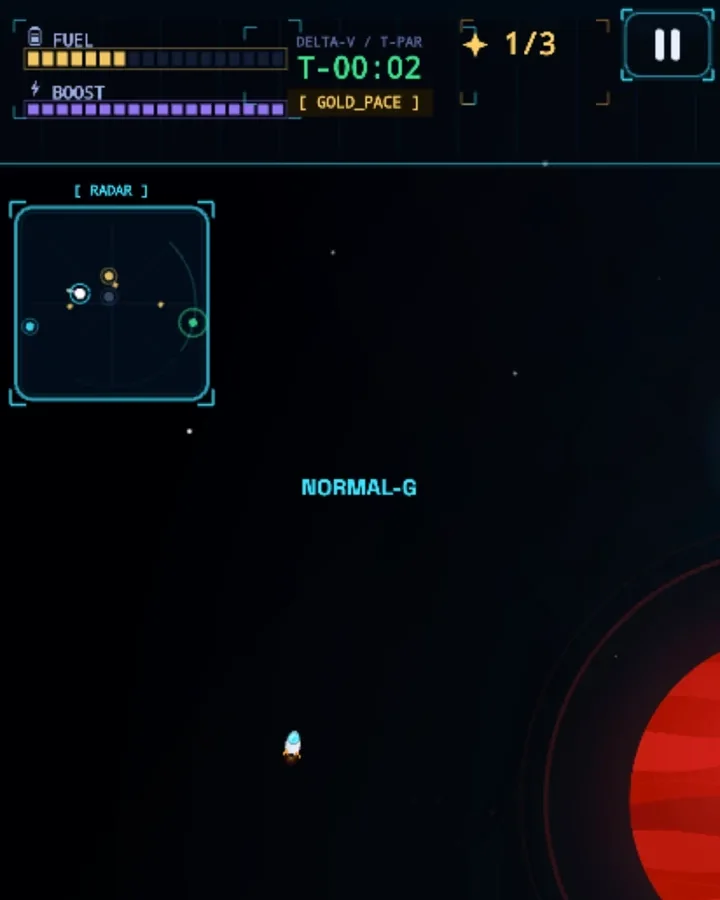
Pick a hull in the Hangar, fit it out in the Garage, then see how far your fuel gets you.
Meanwhile, in real space
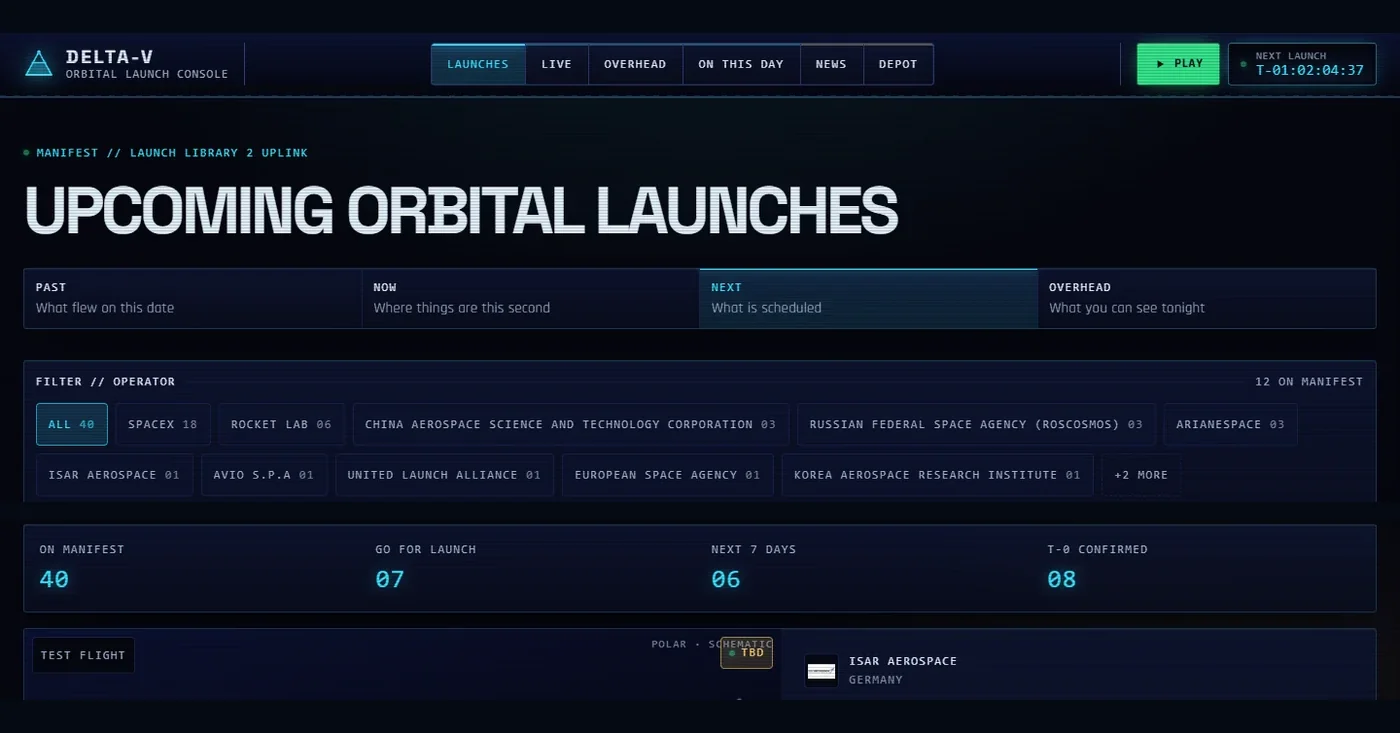 Count down to the next launchCrew flights, rideshares and test flights, each with its own clock.
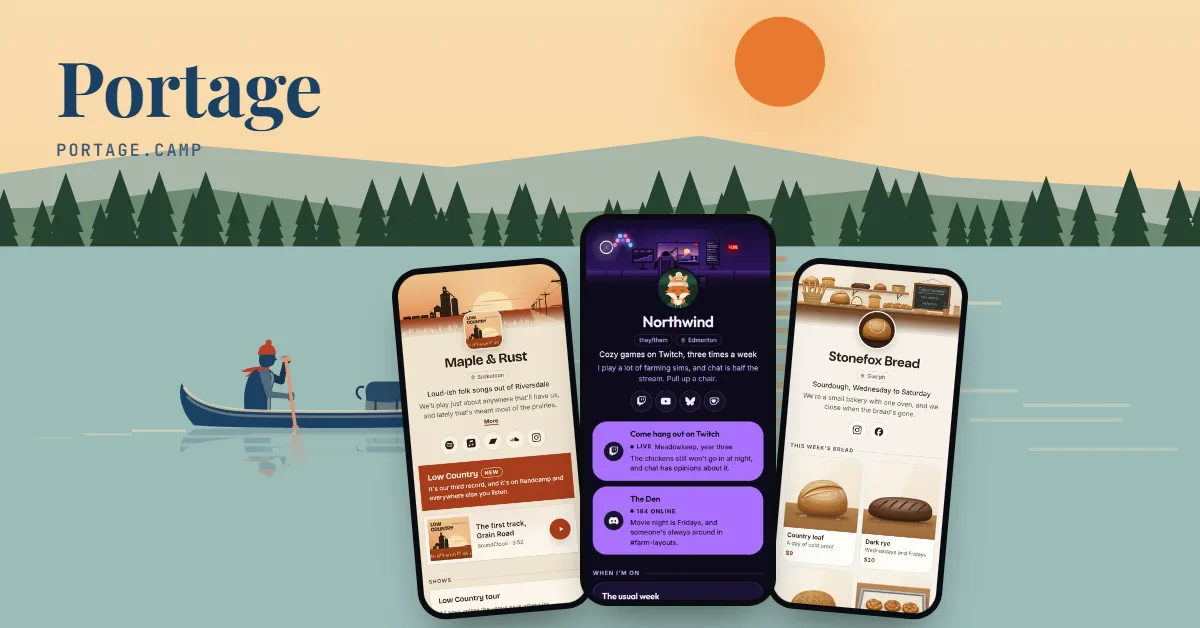 FreeMake a page like thisThe link in bio we made for our own games. Yours is free, in this theme or any other.
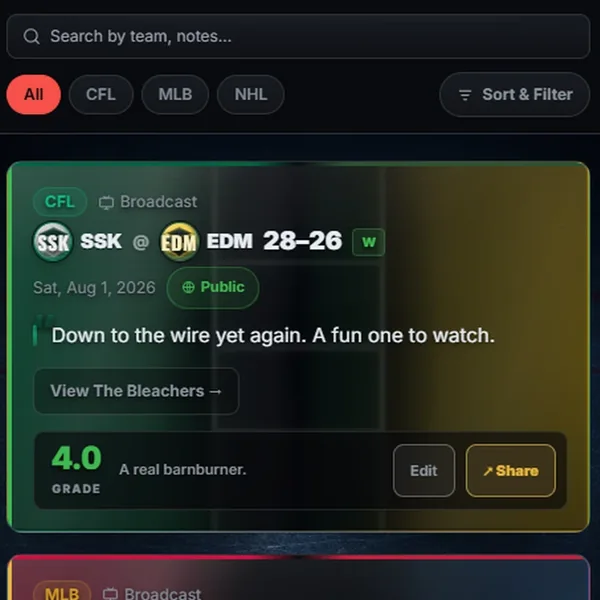
 More from Cadenic StudiosWe also make Portage, the link in bio you’re looking at, and Scorebug for sports fans.portage.camp/@cadenic
Tap the address to open Delta-V’s page and try it.
If you’re on the App Store, paste your link and the icon, price and release notes fill in.
The icon, price and release notes fill in from Apple.
Google Play, the web, a waitlist. Each says where it stands.
The Get button opens the right store on every phone.
Delta-V and Scorebug are our own apps, and these are their real pages. The other three are examples we made up.Two real pages of ours, then three we made up.
Delta-V, one of our own pages: @playdeltav
Delta-V is our game where you build a spaceship and fly it between planets. It’s in early access on Google Play and in the browser, and this page is its support page too.
Scorebug, one of our own pages: @scorebug
Scorebug is our sports app. It’s in early access, and you can use it on the web today.
Lumen, an example: @lumenmeter
A paid iPhone and Mac app, whose page is also its support page.
Quiet Byte, an example: @quietbyte
Two Android apps from one small studio. One’s out and the other’s in open beta.
Driftwood, an example: @lowtidegames
A game in open beta, counting down to launch.
The Get button looks at the visitor’s device and opens the store that goes with it, with your other stores listed right under it.
Put a countdown to launch day above your app card, and a sign-up for the people who want to hear first.
Mark each store available, open beta, waitlist or in development. We read your TestFlight link once a day and say so when the beta is full.
Paste your App Store link and the icon, category, price, version and release notes fill in, then stay current by themselves.
Add your support email, help page and privacy policy to the card, and give each store your Portage address with #support on the end.
Each card tells search engines it’s an app, with its name, systems, category and price. It never copies star ratings from the stores.
Set the card up once and every visitor lands in the store that works on their device.
How these work, step by step: one link for both app stores.
Put it wherever you used to list your store links. When you launch on another store, add it to the card and your link stays the same.
Every feature is free. See what costs money
Already have a link page somewhere else? Bring your page over
Want it built for you? Custom work
Portage is free for everyone, and supporters keep it that way. Support Portage
Creators and streamers
Music, art and the stage
Shops, chairs and classes
Teams, servers and work
Everything on this page works on every Portage page, and all of it is free. You can read more about pricing or how the checks work.