The episode on my link page is four months old
Add your feed and your page swaps in each new episode the day it’s out, with a player that loads nothing until someone presses play.
Portage for podcasters
Paste your RSS feed once and there’s nothing to update after that. If you ever switch hosts, your link in bio stays the same.
Paste your RSS feed once and there’s nothing to update after that.
Pick a feature to see it on the page
Room Tone
Long conversations with people who make things for a living
A new episode every other Thursday, mostly about the unglamorous parts of the work.
Listen
Read instead
Why we transcribe everything
Lots of people would rather read than listen, and a transcript lets you find that one thing a guest said. It takes us about an hour per episode and we think it’s worth it.
For supporters
Talk about it
Stay in touch
The Thursday email
We send it every other Thursday, when the new episode goes up.
Tap the address to open Room Tone’s page and try it.
Nothing loads from your host until someone presses play.
Or your Apple Podcasts link, and we find the feed for you.
Title, date, length and a player, every week, by itself.
One link, whichever app your listeners use.
Add your feed and your page swaps in each new episode the day it’s out, with a player that loads nothing until someone presses play.
A sponsor’s code gets a block that copies with one tap and says it’s a paid partnership. Send them your real numbers by link, too.
Put an email sign-up on your page and download the addresses whenever you like. We don’t send anything to the people on it.
Put an email sign-up on your page and download the addresses whenever you like. We don’t send anything to the people on it.
One Listen button opens your show in the listener’s own app. Don’t know your feed? Paste your Apple Podcasts link and we find it.
The player is built into your page, and nothing loads from your host until someone presses play.
Your Portage link doesn’t change. Paste in the new feed and every place you’ve shared your link still works.
It’s free, so there’s no plan to pick and nothing to cancel.
How these work, step by step: an email list that’s yours, a Listen button for podcasts, share your numbers, password and age locks and a release with pre-saves.
We made all three up. Each reads its newest episode from the show’s feed, and apart from that they look nothing alike.We made all three up. Start from any of them.
Room Tone, an example: @roomtone
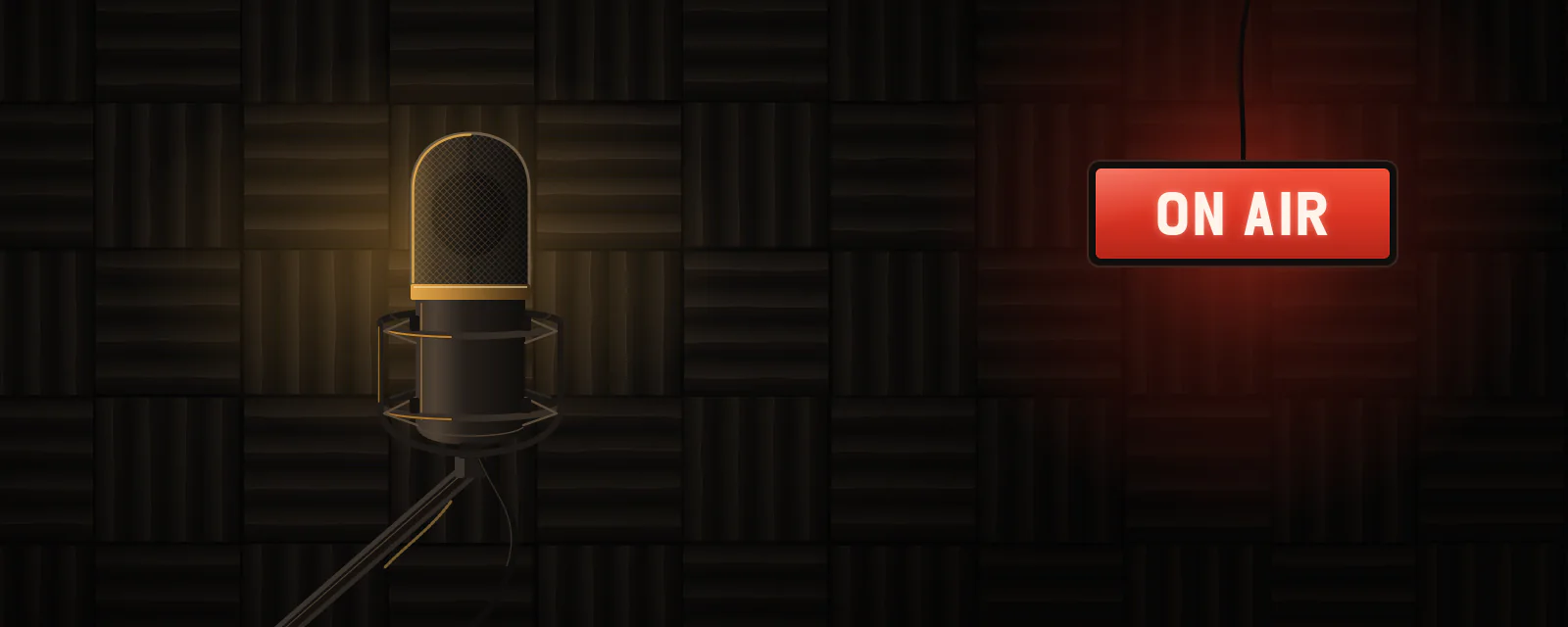
The newest episode plays right on the page, and supporters get the long cuts behind a password.
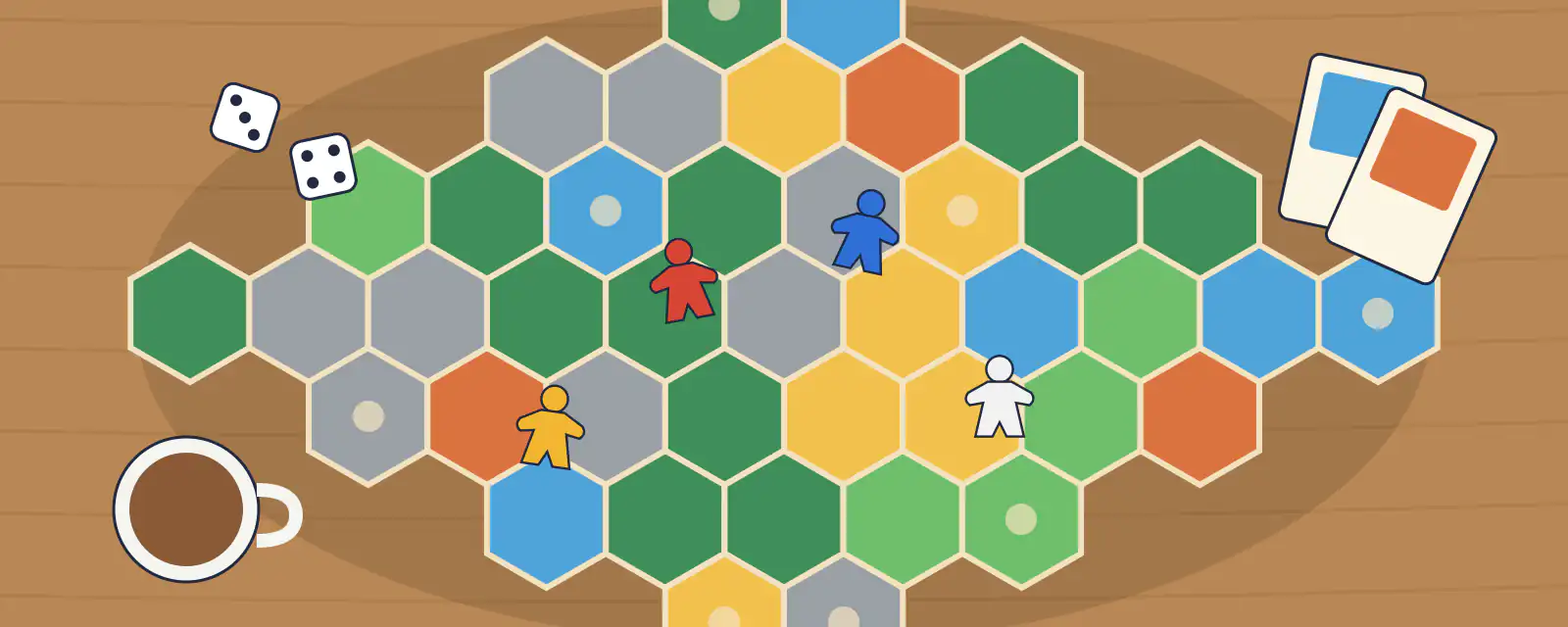
Table Talk, an example: @tabletalkpod
Two hosts arguing about board games, with a sponsor’s discount code and dates for their live shows.
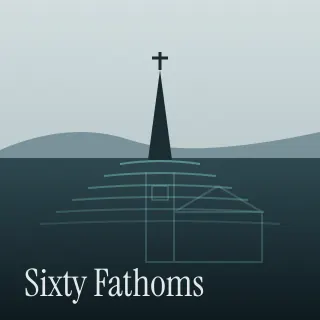
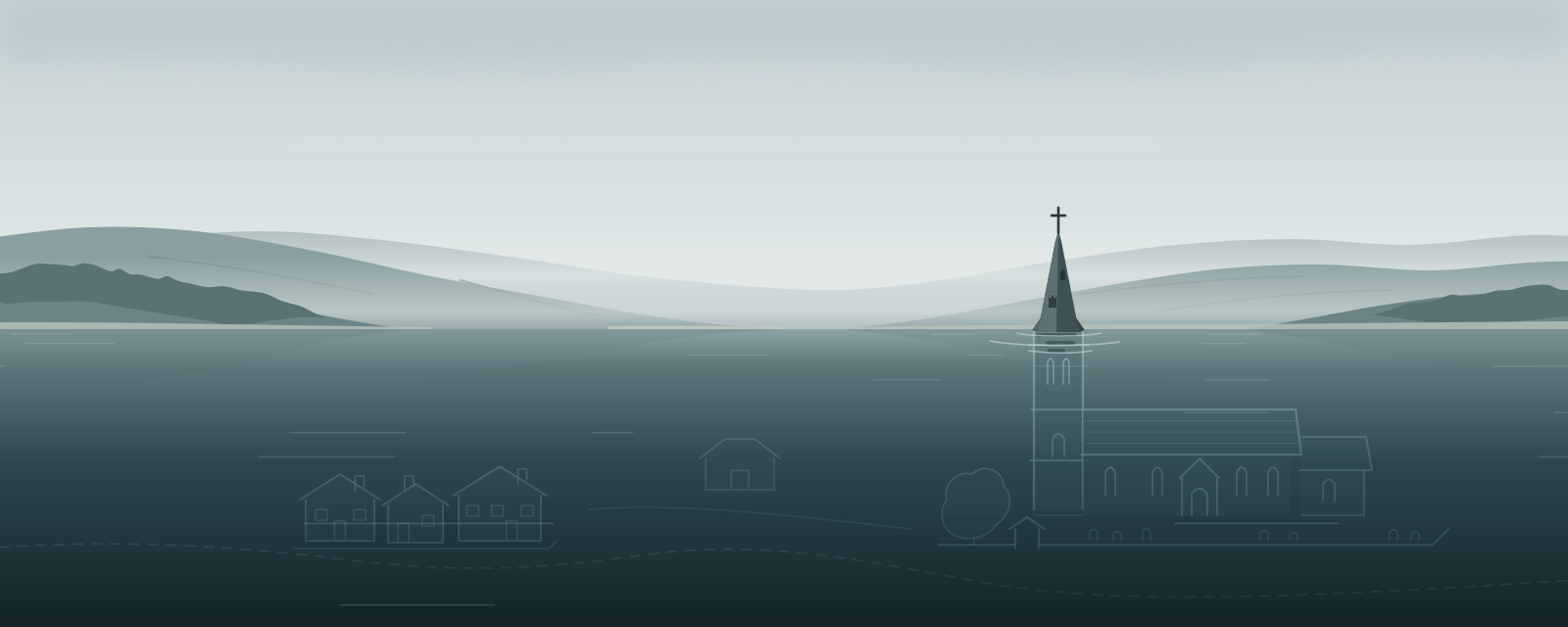
Sixty Fathoms, an example: @sixtyfathoms
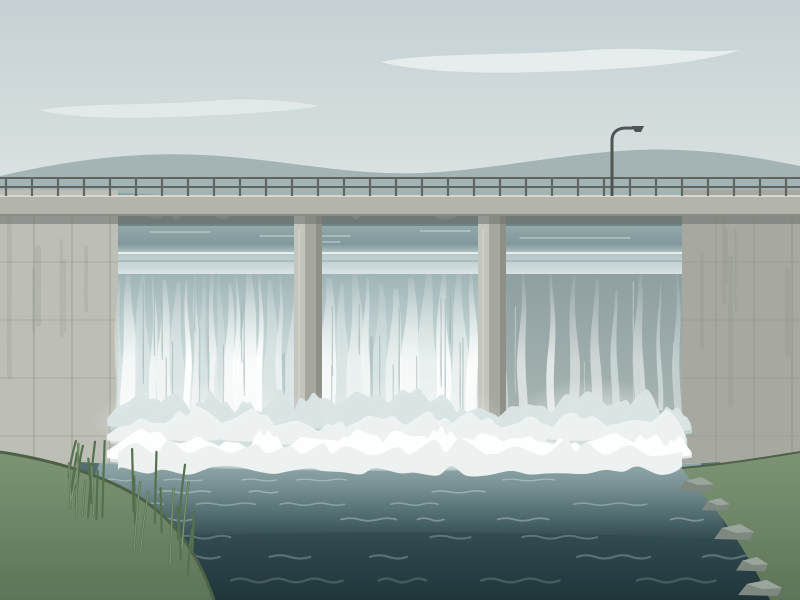
A documentary series with a drawing of the reservoir as its banner and a note on how the series gets made.
From there, listeners can pick whichever app they like.
Every feature is free. See what costs money
Already have a link page somewhere else? Bring your page over
Portage is free for everyone, and supporters keep it that way. Support Portage
Music, art and the stage
Shops, chairs and classes
Teams, servers and work
Everything on this page works on every Portage page, and all of it is free. You can read more about pricing or how the checks work.