Music releases
One link for your new release: pre-save before, Listen after.
Before release day the card counts down and leads with your pre-saves. On the day it turns into one Listen button that opens each listener’s own app, by itself.
Free on every Portage page, with every other feature. Nothing to upgrade to.

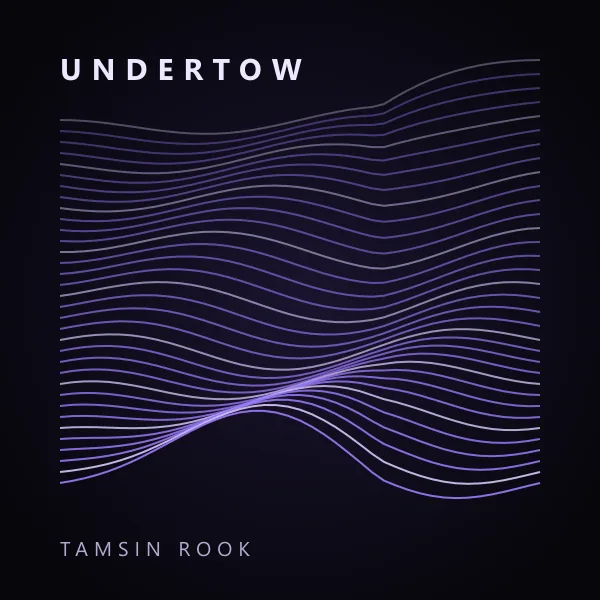


The card changes on the day, so you don’t have to.
Before the day
The cover, the title, a countdown and your pre-save and pre-order links, up to four.
On the day
The pre-saves go and one Listen button opens the listener’s own app. Every other service is a tap away under it.
Only your links
Every address is one you paste. Nothing is looked up and no streaming service’s script runs on your page.

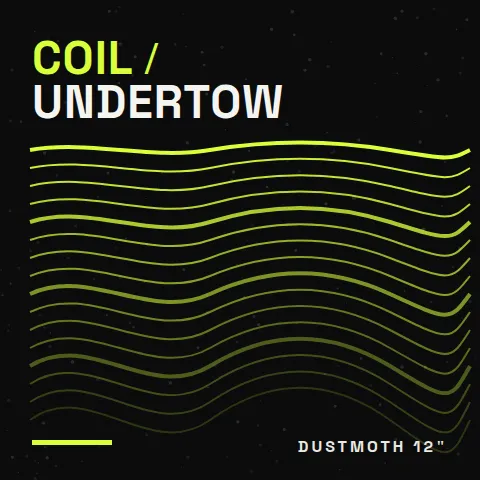
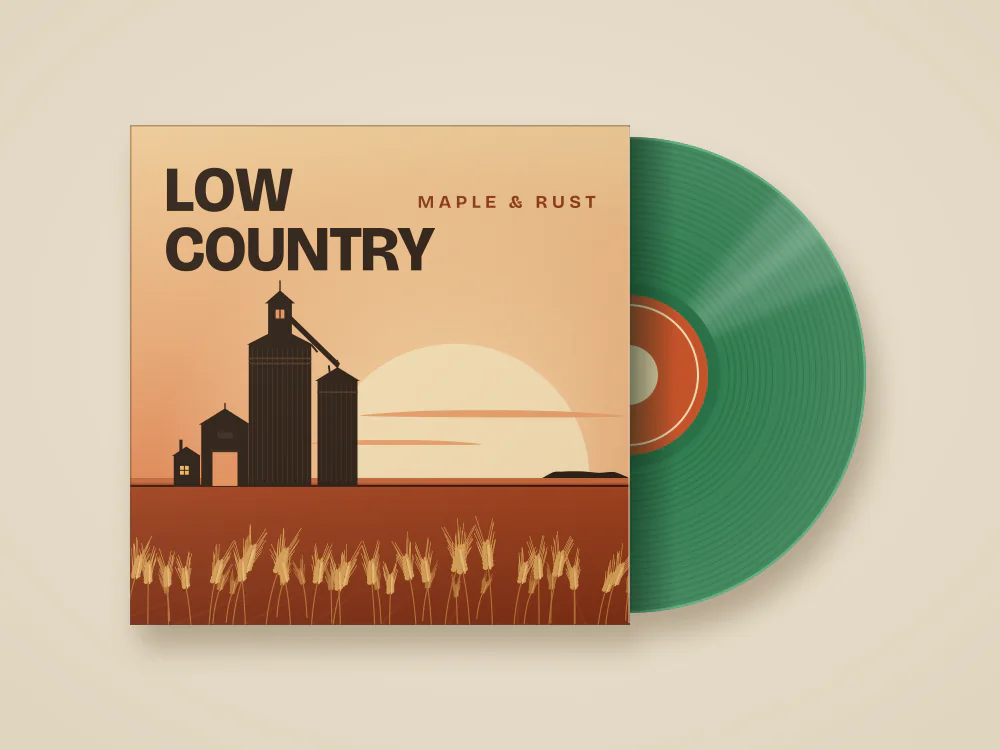
The same card, before and after.
Two release cards drawn by the same code that draws your page: one still counting down, one already out. Both are made up for these examples.
Before the day: pre-saves and a countdown, from dustmoth After the day: one Listen button, from Maple & Rust

Set it up when you announce.
Add a Release row.
Upload the cover, type the title, and say whether it’s a single, an EP, an album or a mixtape.
Paste your links.
Your pre-save from your distributor, and where it will be to listen. Set the release day.
Share one link the whole way.
The same link works in the announcement, on release day and after. The card takes care of the change.
What the release card doesn’t do.
- It doesn’t make a pre-save. Your distributor gives you that link, and the card shows it.
- It doesn’t look your music up. Paste each service’s link yourself, your favourite first.
- Streams and saves are counted by the services. Your Portage numbers count taps on the card.
Questions musicians ask about release links.
Which app does the Listen button open?
What happens on release day?
Can I play a track on the page too?
Is the release card free?
One link from announcement to album.
Pick a handle and your page starts with what a musician needs, ready for your release card.
Already have a link page somewhere else? Bring your page over
Made with this in mind: Portage for djs and producers, Portage for musicians, Portage for creators and Portage for podcasters.