

Email sign-ups
Collect emails from your link in bio, and keep the list.
Sends each sign-up to Mailchimp, Kit, MailerLite, beehiiv, Buttondown, Klaviyo, Brevo, Ghost, EmailOctopus or Flodesk, or keeps a list you can download. If an account gets banned or your reach drops, your list still reaches people.
Free on every Portage page. Nothing to upgrade to.


















What’s on the form.
Your words on it
Your own title, a line about what people will get, your own button and your own thank you. Short is better, and the form stays short.
Works with
Mailchimp, Kit, MailerLite, beehiiv, Buttondown, Klaviyo, Brevo, Ghost, EmailOctopus or Flodesk. Connect yours in the form’s settings and each new sign-up goes straight there. Every sign-up is on your numbers page too, as a CSV with the date they signed up and an unsubscribe link for each.
Ask which show is nearest
A band or a touring artist can ask fans to pick a town, and see how many people are near each one before booking.


Starting a list.
Add an Email row.
Give it a title that says what people get and how often, like “One email when we book new shows”.
Connect your newsletter.
In the form’s settings, pick Mailchimp, Kit, MailerLite, beehiiv, Buttondown, Klaviyo, Brevo, Ghost, EmailOctopus or Flodesk, paste the key it gives you and choose the list. Test it before you save. Or skip this and keep the list here.
Publish and share.
Each sign-up lands in your newsletter service and on your numbers page straight away. The line under the form says where the address goes.


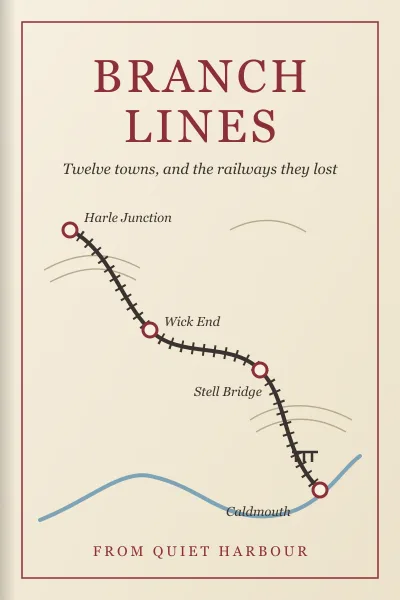
A newsletter, a band and a podcast.
Each one has its own words. The form takes the page’s colours and typeface, so it fits in.
A newsletter, front and centre, from Quiet Harbour A band asking which show is nearest, from Maple & Rust A podcast’s email for new episodes, from Room Tone
What Portage won’t do with it.
- Portage doesn’t send email itself. Your newsletter service does.
- We never email the people on it, never sell it and never use it for anything of ours.
- Portage has no double opt-in step of its own. Connect a newsletter service that asks people to confirm, and it sends that email itself.
Questions about the list.
Does Portage email my subscribers?
Is there a limit on how many people can sign up?
Can I move the list to my newsletter service?
Can I ask people which show is nearest?


Put a sign-up on your page.
Pick a handle and your page starts with a sign-up form ready for your own words.
Already have a link page somewhere else? Bring your page over
Pages for writers, musicians, podcasters, comedians, DJs and producers, coaches and consultants, and non-profits and charities.