Book link
One link for your book, with a Buy button that finds the reader’s shop.
Readers are everywhere and so are bookshops. Your book card shows the cover and formats, with one Buy button that opens a shop in the reader’s own country.
Free on every Portage page, with every other feature. Nothing to upgrade to.

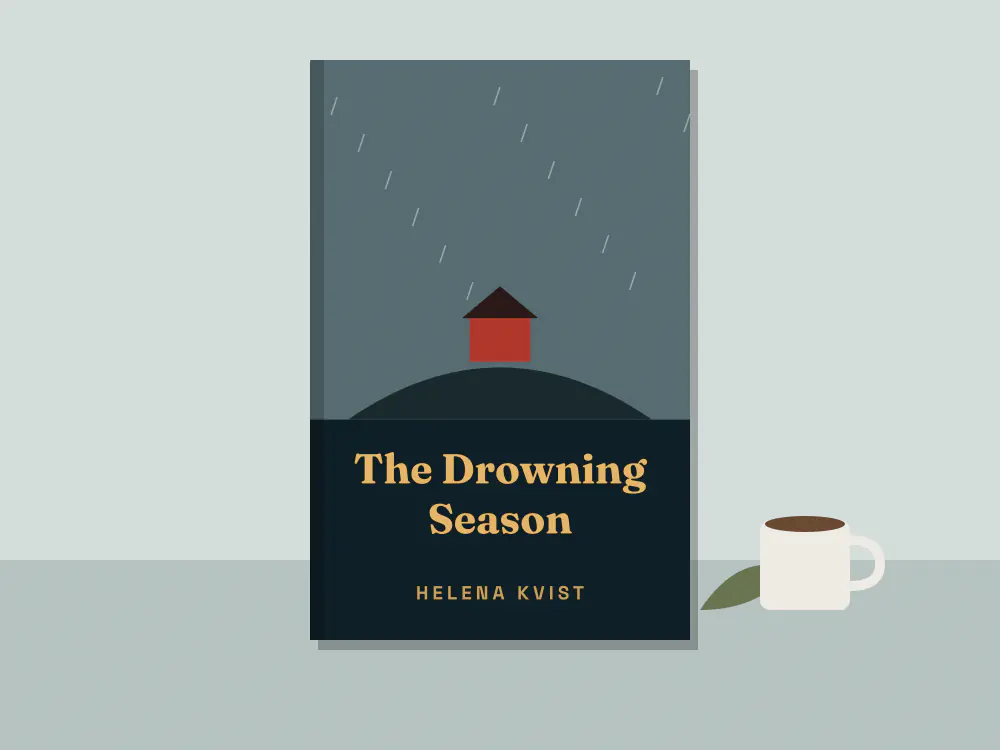
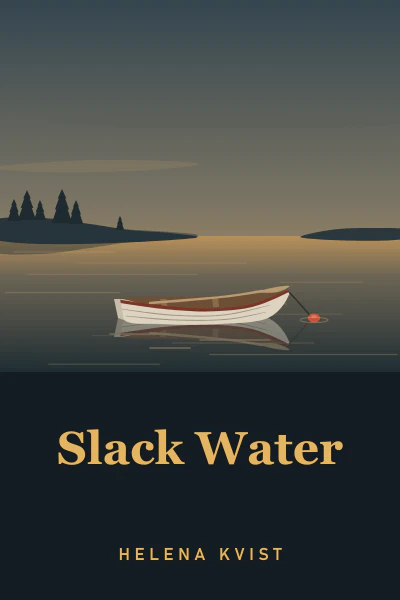


A book card, worked out for each reader.
One button, the reader’s country
Add your shops and the card picks one the reader can buy from where they are, worked out in their own browser. Every other shop is listed under it.
Preorder, then Buy
Give it a release day and the button says Preorder until then. On the day it changes by itself.
Libraries are welcome
A library link is offered as a way to borrow, and it’s never the Buy button.

Books, release days and readings, together.
The book card sits well beside the rest of an author’s page: a countdown to release day and the readings people can come to.
A countdown to release day, from Helena Kvist Launch party and readings, from Helena Kvist Readings and walks, from Quiet Harbour

Set it up once per book.
Add a Book row.
Upload the cover, type the title and pick the formats: hardcover, paperback, ebook or audiobook.
Paste your shops.
Up to ten, your favourite first. Add your library link too if you have one.
Set the release day.
Until then it says Preorder. After that it says Buy, without you touching it.
What it isn’t.
- Nothing is sold on your page. The button opens the shop, and the reader buys there.
- It uses the shops you paste. We don’t search for your book or add shops for you.
- If none of your shops sells in the reader’s country, the button opens one that sells anywhere, or your first, so put the one with the widest reach first.
Questions authors ask.
How does the Buy button know where the reader is?
Can I use affiliate links?
Can I show more than one book?
Is it free?
One link for every edition.
Pick a handle and your page starts with the book card and a sign-up for your next one.
Already have a link page somewhere else? Bring your page over
Made with this in mind: Portage for authors, Portage for writers, Portage for artists and Portage for everyone.