
Contact card
A free digital business card that saves straight into a phone.
Somebody meets you, scans your code or taps your bio, and one button puts your name, number and email in their contacts. Nobody has to type anything or spell your name back to you.
Free on every Portage page. Nothing to upgrade to.
















































What the card carries.
The details people lose
Your name, company, job title, phone number, email and website. Only the name is needed; leave out anything you’d rather not hand over.
Your face, when it’s yours
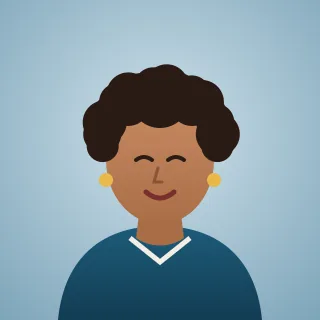
If your profile picture is one you uploaded to Portage, it goes into the contact too, so you’re easy to find again in a long list.
Filed the right way
A shop or a studio is saved as a business, not as a person with a strange surname, so it sits under its own name in the phone.

A bakery, a running club and two agents.
The same row on three example pages. A business saves as a business, a club can leave the phone number off, and a team can give everyone their own card.
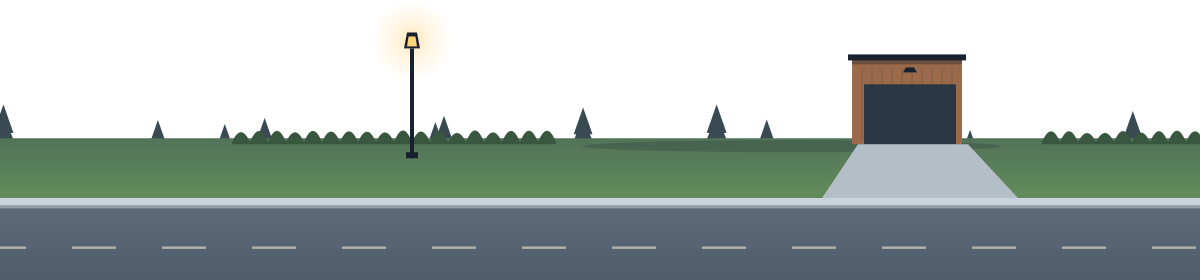
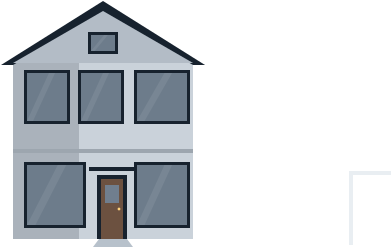
A bakery, saved as a business, from Stonefox Bread A club that only gives out an email, from Hill Repeats Two agents, a card each, from Harbourline Homes

Making your card.
Add a Contact card row.
It’s in the block picker. Give the button words that say what it does, like “Save my number”.
Fill in what you’ll share.
Your name, then any of company, job title, phone, email and website.
Hand it out.
Your QR code, an NFC tag or the business cards in the print kit all open your page, and the button is right there.
What a saved card can’t do.
- Once it’s in someone’s phone it’s their copy. If your number changes, people who saved the old card keep the old number until they save it again.
- There’s no street address on the card. Opening hours have their own row, with the address and directions.
- It’s a file a phone reads. We don’t make plastic cards or NFC cards, though you can write your page to any NFC tag yourself.
Questions about digital business cards.
Is a digital business card on Portage free?
Does the card work inside Instagram and TikTok?
What happens when someone taps it on an iPhone?
Does my card update if I change my number?
Can my page’s French version have its own card?
Be the number they already have.
Make a page, fill in your card, and every tap on it saves you.
Already have a link page somewhere else? Bring your page over
Pages for real estate agents, small businesses, coaches and consultants, freelancers, job seekers, and photographers.