
Résumé
Your résumé on your link in bio page, ready to print.
One address for your CV, your LinkedIn and your bio. A recruiter who types your name finds what you’ve done, what you want next and how to reach you, on one screen.
Free on every Portage page. Nothing to upgrade to.






















































What goes on it.
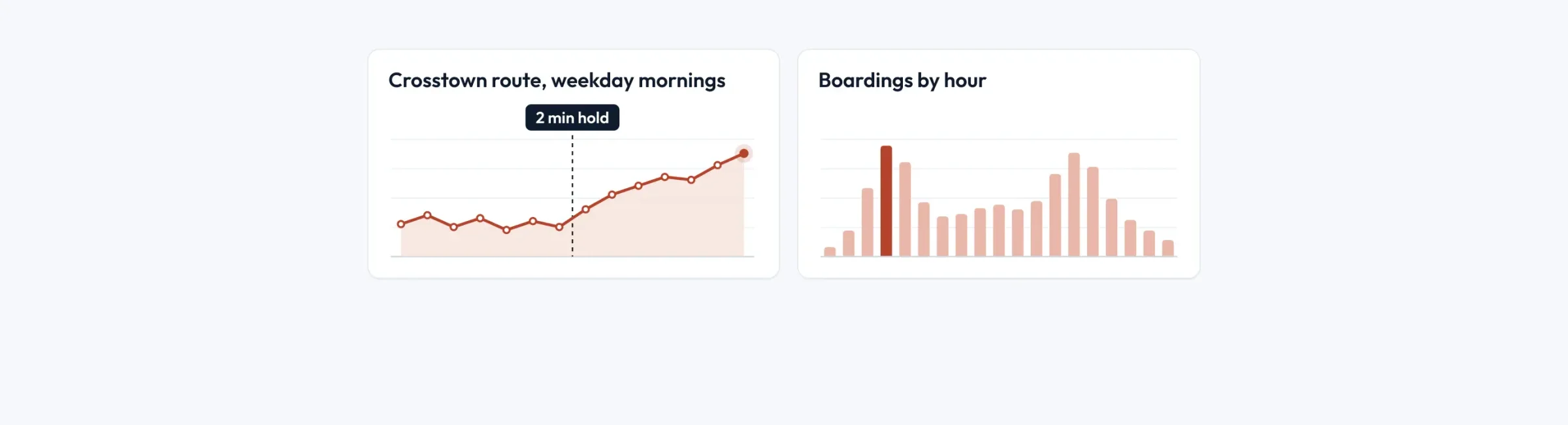
Your work as a timeline
Roles and study, newest first, each with where, when and a line about it, then your skills.
Prints as a résumé
One press prints it as a clean page, whatever your theme looks like on screen.
Open to work, for a while
Say what you’re after and where, and the line comes off your page on the date you set, so it never says you’re looking a year after you’ve started.

A consultant, a writer and a coach.
Résumé rows from three example pages. Each one keeps to work and skills.
A safety consultant’s roles, from Graham Whitlock A writer’s clients, from Bridie Kavanagh A career coach’s own path, from Anneke Vos

What it leaves out on purpose.
- There’s no place for a date of birth, a home address, a photo, a nationality or a salary.
- It holds up to 16 roles and courses. A longer history fits in a PDF you add as a download.
- It doesn’t read your LinkedIn. You type it here, once.
Building your résumé.
Add an Experience (résumé) row.
Type each role or course, with where and when, and a line if it helps.
Add your skills.
A short list, up to 24, in the words people search for.
Add Open to work if you are.
Say what you’re looking for and when the line should come down. Three months unless you pick.
Questions about putting a résumé on your page.
Can I put my résumé on my link in bio?
Does my open to work line stay up forever?
Will someone who searches my name find it?
Can I attach my CV as a file too?
Be the name that answers.
Your work, what you want next and how to reach you, on one page.
Already have a link page somewhere else? Bring your page over
Pages for job seekers, freelancers, coaches and consultants, and UGC creators and influencers.