
Scheduled links
Schedule a link to appear on your page and come down by itself.
Set the sale link going up on Friday at nine and coming down on Sunday night. You set it once, and nobody has to be awake for either.
Free on every Portage page. Nothing to upgrade to.
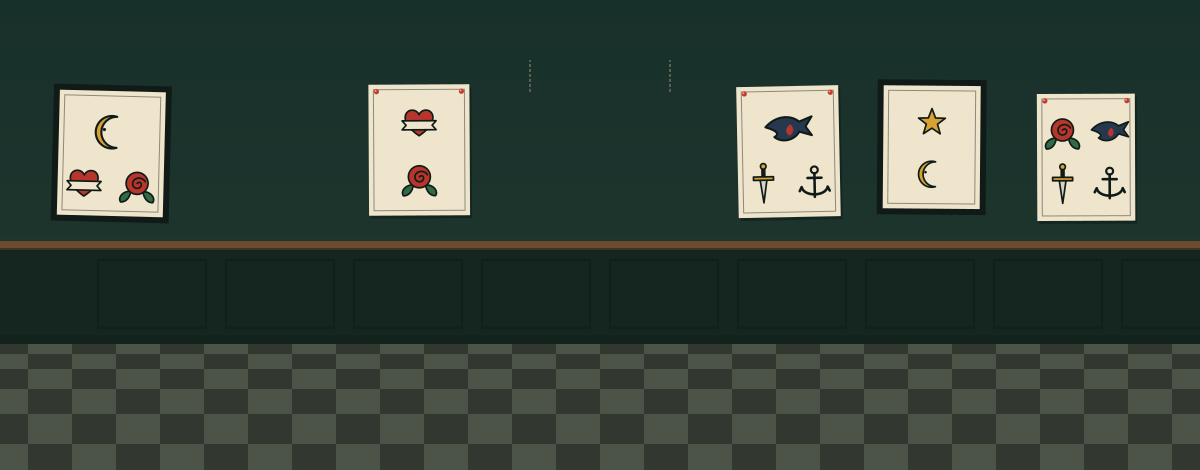



































































How a schedule works.
Any row, not only links
A link, a note, a player, a sign-up form or a discount code. Every row but a heading has the same two times: when it appears and when it disappears.
Not there before its time
Until a row’s time comes, it’s left out of your page completely. It isn’t hidden in the page’s code, so nobody can find a launch link early.
Off the page means off the count
A row that isn’t showing isn’t counted in your numbers and isn’t read by search engines. When it comes down, it stays in the editor for next time.

Setting a link’s times.
Open the row in the editor.
Any row on your page. Under When it shows there are two boxes.
Pick Appears, Disappears or both.
Leave one empty to mean straight away, or never. The editor warns you if the end comes before the start.
Publish once.
That’s all. The row goes up and comes down on its own, and the editor marks it From or Until so you can see what’s waiting.

Three rows that each have a time to go.
A walk-in day, where a travelling pair is this month, and a cook’s calendar. On each example page, the row would come down on its own.
Walk-ins, for the weekend only, from Copper Swallow Tattoo Where the trip is this month, from Two Backpacks North Booked up until a date, from Gus Halvorsen
What to know about the timing.
- Pages are refreshed every few minutes, so a row can take up to five minutes after its time to appear or go.
- The times you type are read in the time zone of the phone or computer you’re editing on.
- A heading can’t be scheduled. Schedule the rows under it instead.
Questions about scheduling.
Can people find a scheduled link before it goes live?
Do I need to come back to take it down?
Can I schedule things other than links?
Are scheduled links free?
Set it tonight, sleep through the launch.
Pick the times once and your page keeps them for you.
Already have a link page somewhere else? Bring your page over
Pages for musicians, small businesses, creators, event organisers and authors.