

Tool
Your menu on the TV in the shop
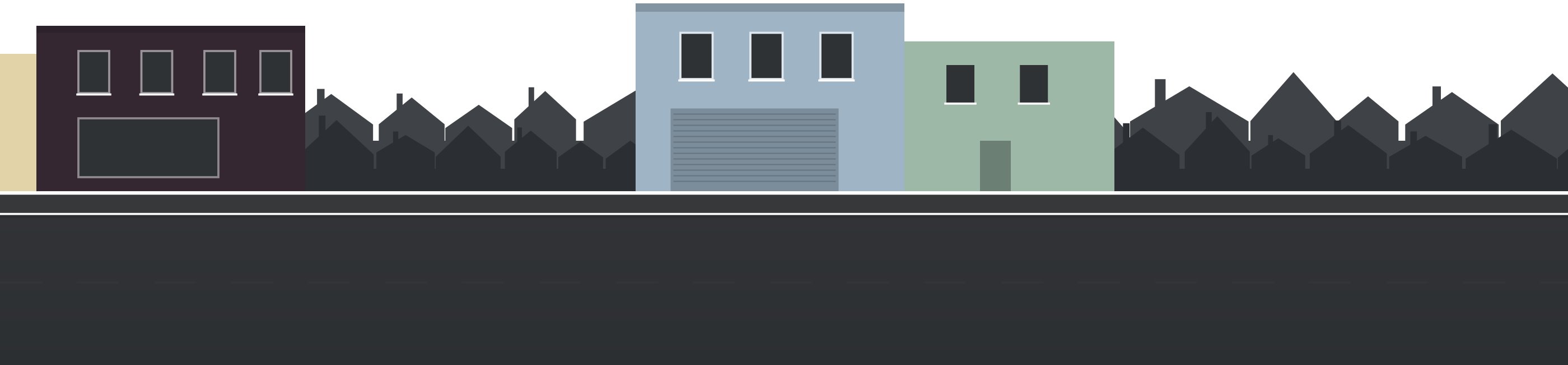
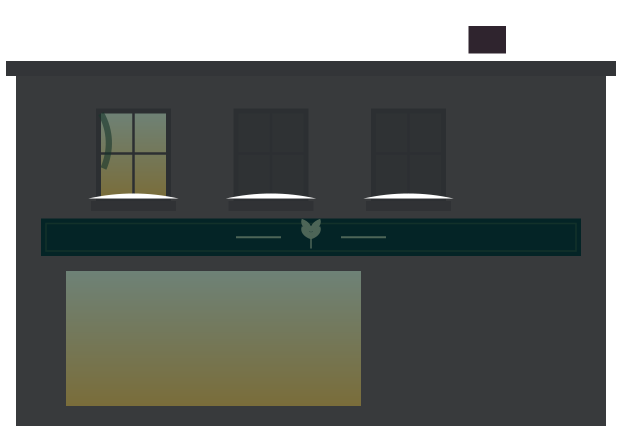
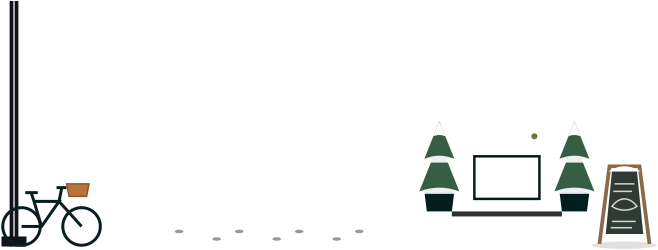
Open your screen’s address on any smart TV, old tablet or streaming stick. It shows your menu, prices or flash from your page in big type, with today’s hours and a code to your page, and changes within a minute when your page does.
Northgate Coffee
Today
Coffee
- Drip3.25
- Flat white4.75
- Oat latte VG5.50
- Mocha5.75
Baking
- Cardamom bun V4.50
- Saskatoon scone V Sold out4.25
- Almond croissant N4.95
Lunch
- Squash soup VG GF9.50With sourdough
- Egg and cress sandwich V10.25
Ask us about allergies.
Screen by Portage
































































































































How it works
Make a screen
Signed in, give it a name like Window, and you get its own private address.
Open it on the TV
Type the address into the TV’s or tablet’s browser once. It fills the screen in landscape.
Change your page, not the screen
Mark a dish sold out or change a price on your page, and the screen shows it within a minute. Your hours and Today I’m at come through too.


Free, and the year
Free for good: one screen, your page’s sections in your page’s order, and a small “Screen by Portage” in the corner.
$49 a year: up to three screens, which sections each shows and how long each stays up, no corner line, and dark outside your opening hours if you like. Start with 14 days free, with nothing to pay and nothing to cancel. A year is one payment, by e-Transfer or bank transfer, and doesn’t renew by itself.
Prices are in Canadian dollars, with no tax added.
Your screen shows only what is public on your page. A leaked address shows nothing a visitor couldn’t see, and you can make a new one at any time. For each screen we keep the last time it checked in and the kind of device, and nothing else.
A studio tool never changes what a visitor sees on your page and never takes away anything free. It does work for you somewhere else: mail sent for you to people who asked for it, posts to your own Discord, a screen in your shop, goods printed and posted, and records you keep for your business.
If something isn’t right
- The screen says this address isn’t set up.
- Copy the address again from Your screens and type it into the TV’s browser. If you made a new address, the old one stopped at once.
- A change on my page isn’t on the screen.
- Give it a minute: the screen asks again once a minute. If it still hasn’t changed, check the change is published on your page, then reload the screen.
- The TV goes to sleep or shows its own screensaver.
- Turn off the TV’s sleep timer and screensaver in its settings, and leave its browser open on the screen’s address.
- It’s cut off, or the type is too small.
- Use the TV’s browser in full screen, and set its zoom to 100%. The screen fills the width it’s given, in landscape.
- My second screen says it’s resting.
- The free part has one screen. The paid year, or its 14 days free, wakes the others: up to three.


Set up your screen
It reads your Portage page, so you’ll need one with your menu, prices or pictures on it. Both are free.