Free Portage theme
Darkroom
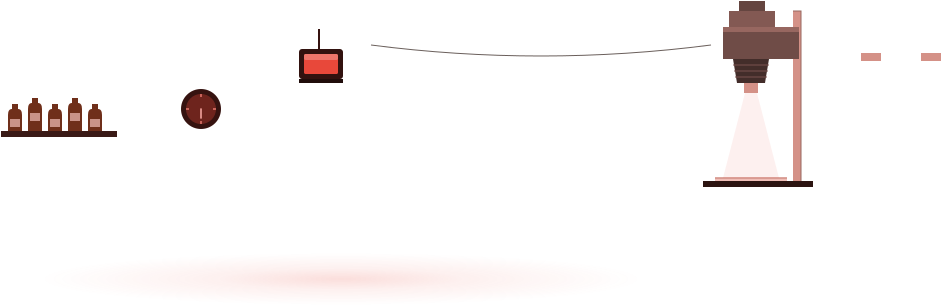
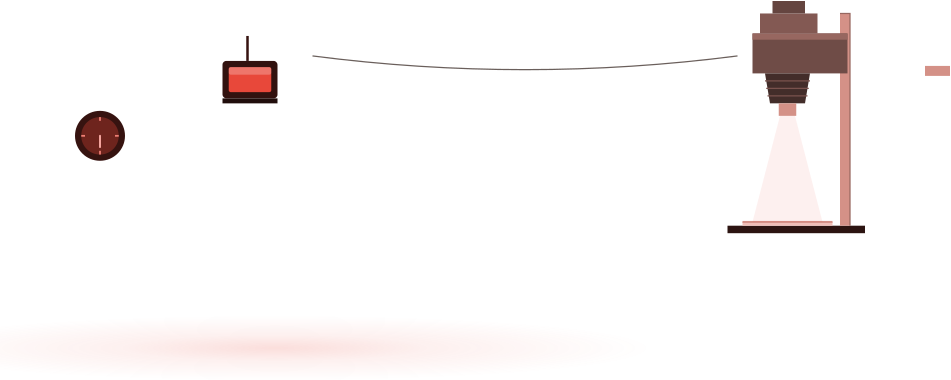
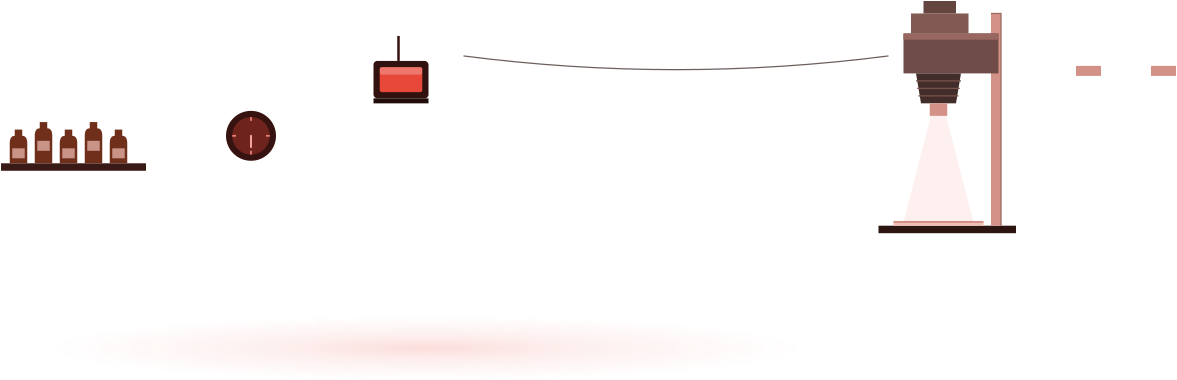
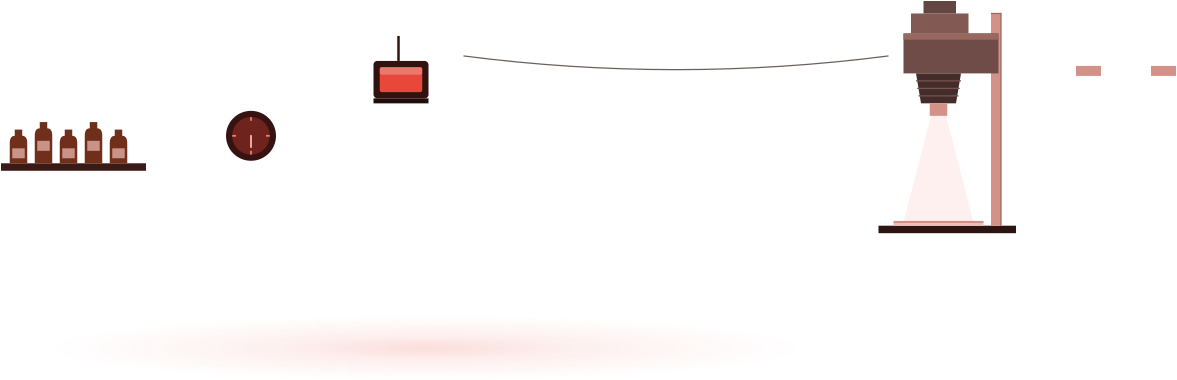
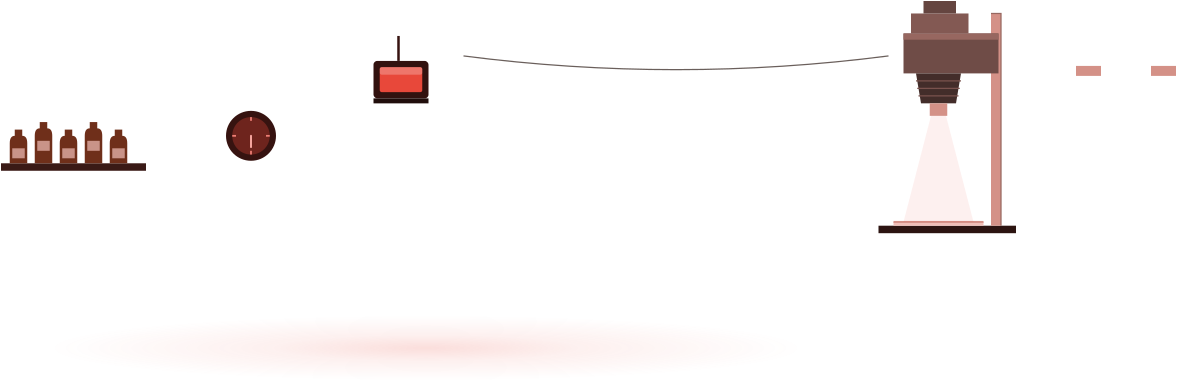
Prints drying under the red safelight. It’s for photographers.









































What’s in Darkroom
The enlarger’s lamp flashes on to expose the next print, and a new picture comes up out of nothing in the tray.
- Typeface
- Instrument Serif: a tall, narrow serif for names and headings.
- Buttons
- A thin line underneath
- Corners
- Square
- Background
- Dark
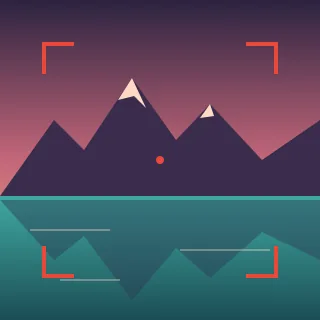
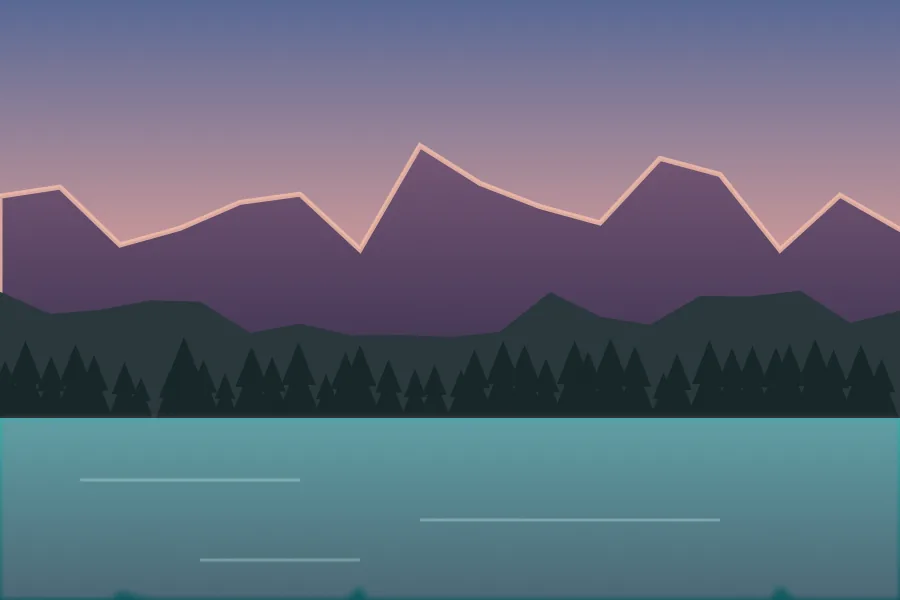
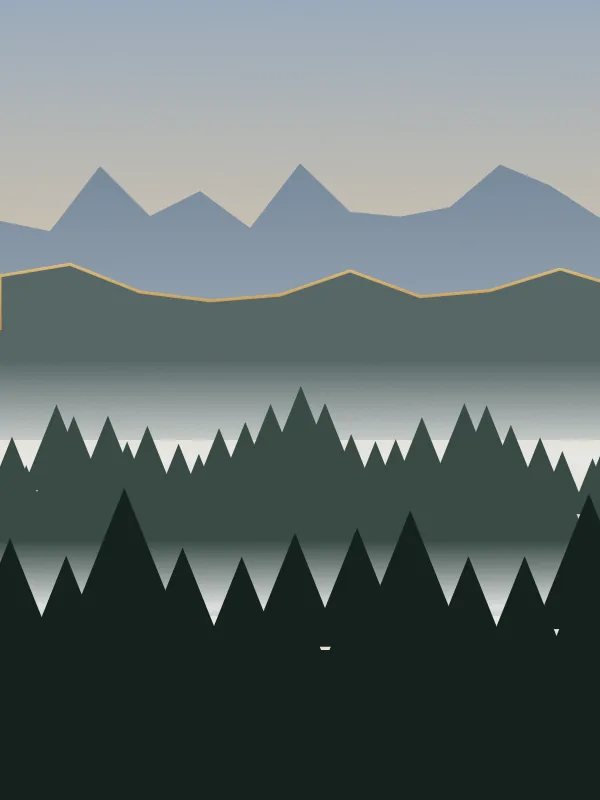
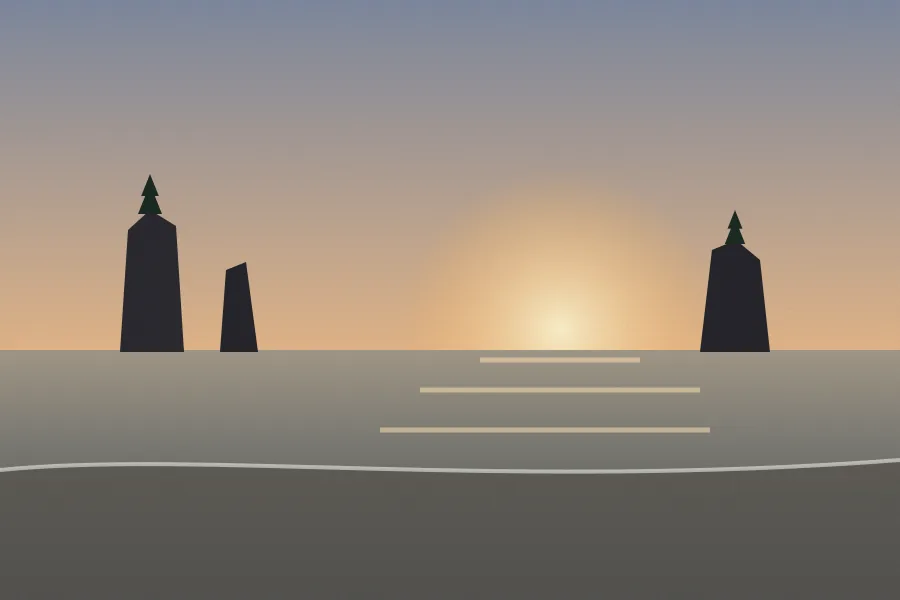
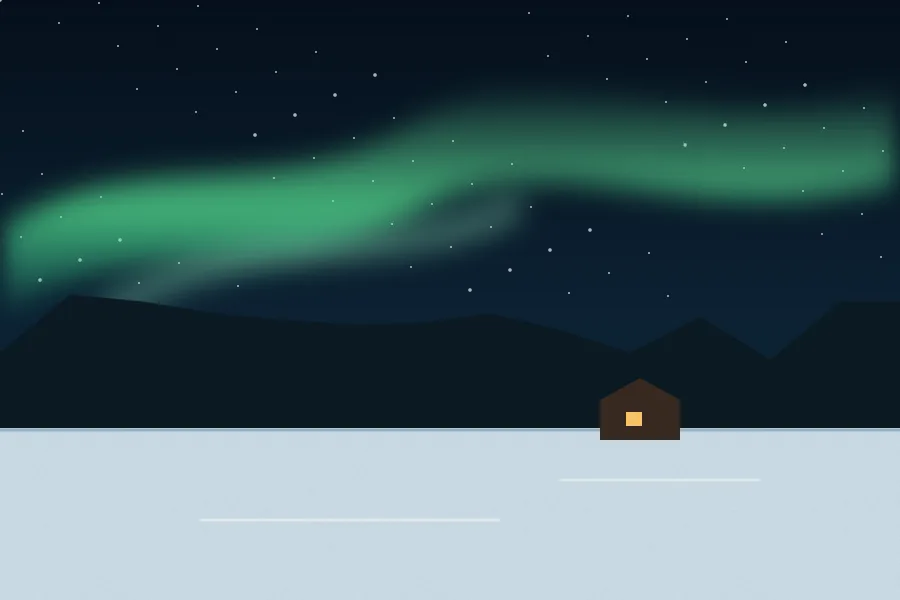
The picture is your page’s banner and what people see when you share your link. Parts of it move, and visitors can pause it. With reduced motion turned on, nothing in it travels, and any lights or stars only glow and twinkle, slowly.
Your own photos or video can go in the header, behind the page or on any button.
The colours
- Background#0f0b0b
- Cards#1b1514
- Text#f3ece8
- Muted text#bfb0aa
- Accent#e8483a
- Button text#0f0b0b
You can change any of them. They’re easy to read together, and the editor will tell you if a change makes text hard to read.
Contrast numbers
- Text on the background
- 16.7:1
- Muted text on the background
- 9.3:1
- Text on a card
- 15.4:1
- Button text on the accent
- 5.0:1
Body text needs at least 4.5:1. Big text and buttons need 3:1.

Other themes to try
- BarbershopA classic chair, and a pole that turns when you’re open.Use this
- Open HouseA house at dusk with the lights coming on.Use this