Menus and price lists
Put your menu on your link in bio, not in a PDF.
Nobody wants to pinch and zoom a photo of a menu. A menu row is real text in your page’s own typeface, readable on any phone, with an order or booking button under it.
Free on every Portage page, with every other feature. Nothing to upgrade to.
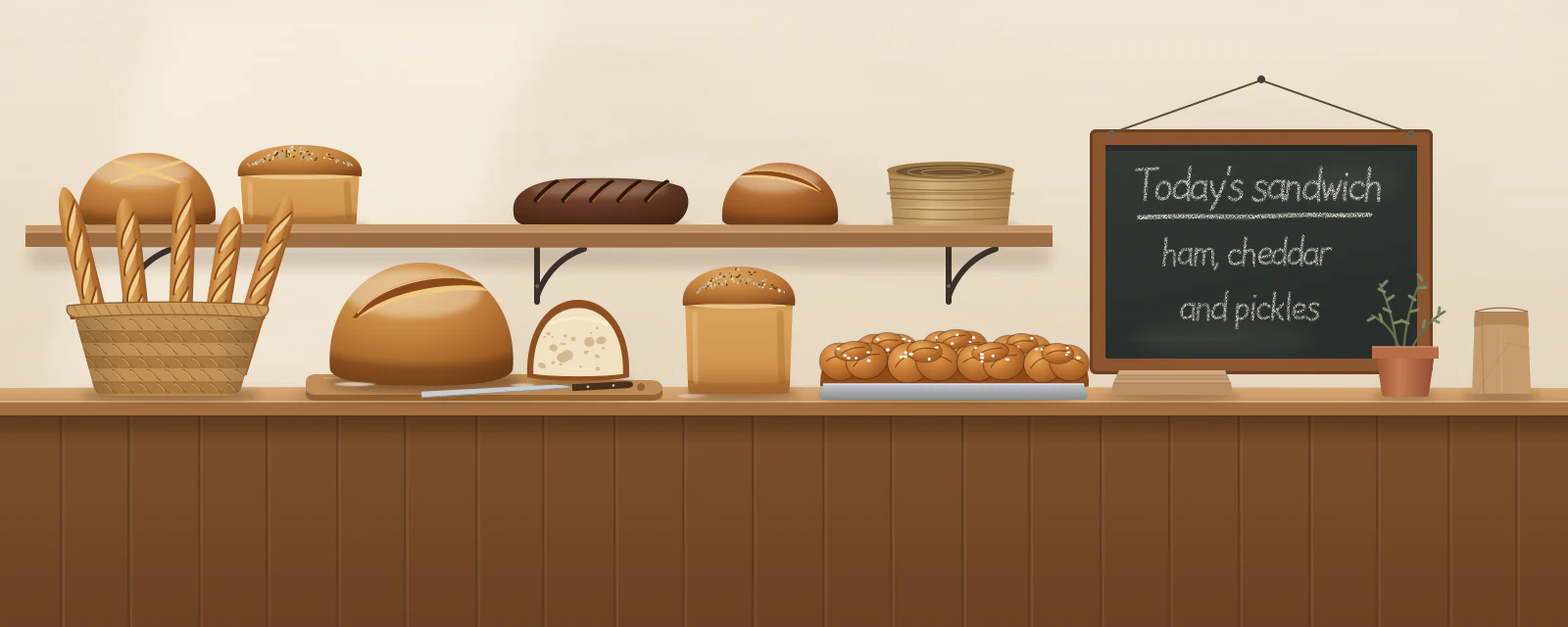



Food, services and rates.
The same row as a bakery’s counter, a repair shop’s services and a tattoo artist’s rates. These menus are made up for the examples.
A repair shop’s services, from Dunbar Cycles A tattoo artist’s rates, from Tess Varga A bakery’s Saturday counter, from Stonefox Bread

A menu that behaves like the rest of your page.
Sections, dishes and prices
Up to eight sections, each with its dishes or services, a line about each and a price written your way: “From $60”, “Market price”.
Dietary marks, explained
Mark dishes vegetarian, vegan, gluten-free, dairy-free, spicy or containing nuts. A key under the menu says what each mark means.
One button underneath
Order, Book or words of your own, going wherever you take orders. Nothing is bought on the page itself.

From PDF to page in three steps.
Add a Menu row.
Choose a menu for food, or a list of services for anything else.
Type your sections and items.
A name, a line if it helps, and the price the way you’d write it on a board.
Add where to order or book.
Paste the address and name the button. Change a price any time and it’s live when you publish.
What a menu row isn’t.
- It isn’t a checkout. People order or book wherever your button goes, never on your page.
- Dietary marks are your own claims about your own food. The page says what each mark means, and nothing more.
- Up to eighty items across the whole menu, so a page never turns into a mile of scrolling.
Questions about menus.
Can people order from the menu?
Can I use it for services instead of food?
Can I still share a PDF menu?
What does a menu row cost?

Your menu, readable on every phone.
Pick a handle and your page starts with your hours and a place for your menu.
Already have a link page somewhere else? Bring your page over
Made with this in mind: Portage for restaurants and cafés, Portage for hair stylists and barbers, Portage for small businesses, Portage for tattoo artists and Portage for everyone.